Plasticity
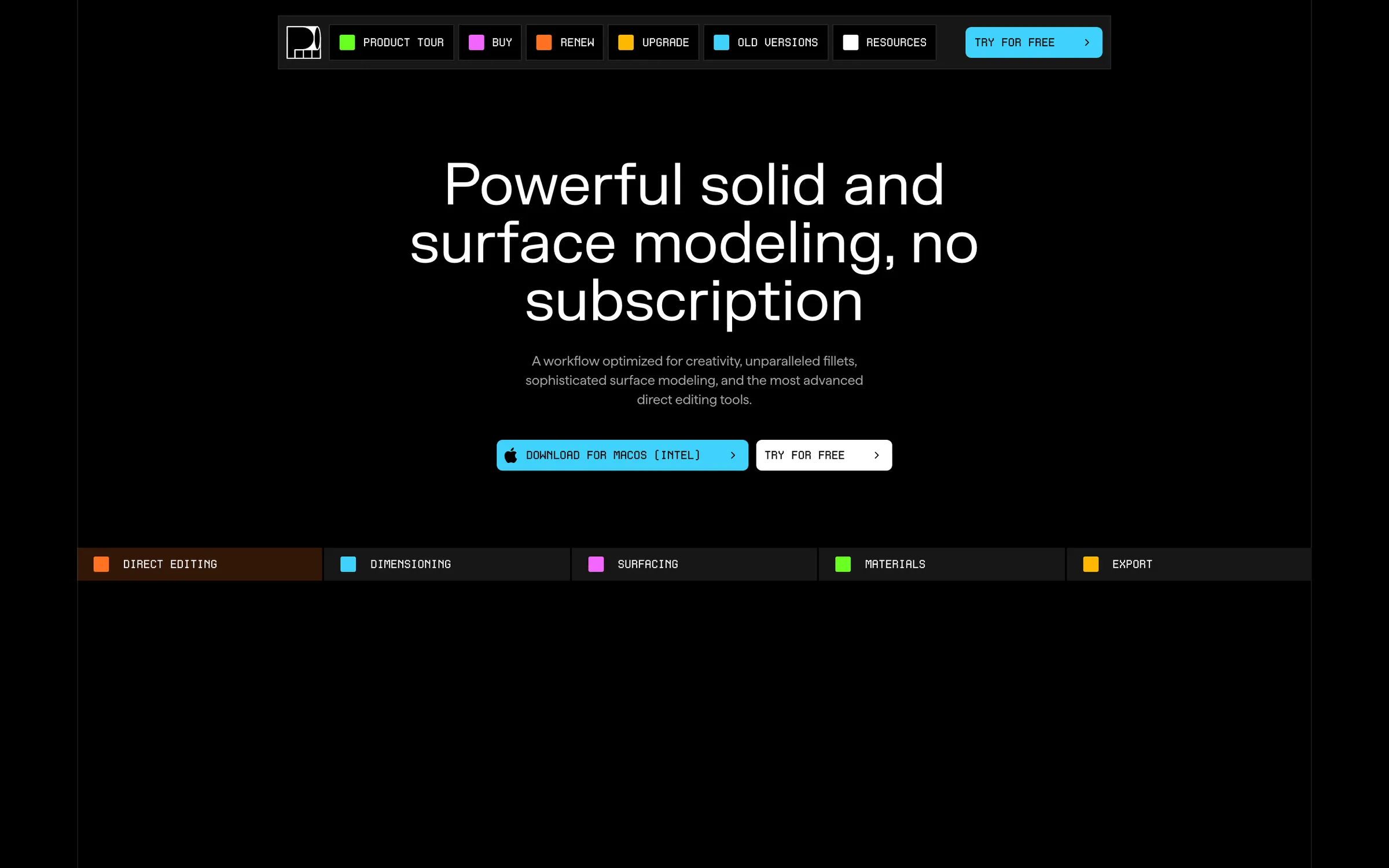
A NURBS modelling app built for artists, bringing precise CAD-style surfaces with a simpler, faster interface.
At a glance
Checked
- Pricing
- Free trial: 30 days, OBJ and STL export at low resolution, no commercial use
- Indie: $175 USD once plus local taxes; one person, commercial use, up to 2 machines and 12 months of updates
- Studio: $299 USD once plus local taxes; up to 4 machines, more solid and surfacing tools, IGES, ACIS and Rhino files, PolySplines and xNURBS
- Enterprise: priority support, personalised training and offline deployment
- Licence
- Proprietary, not open source
- Platforms
- Desktop apps for Windows 10 or later, macOS 12 or later and Ubuntu 22 or later
- Website
- plasticity.xyz
What it’s good for
Plasticity is a CAD modeller for artists. It works with exact NURBS surfaces on the Parasolid kernel, so booleans, fillets and surface blends stay clean where a polygon mesh would need cleanup, and dimensions and construction planes help when parts have to fit. It fits hard surface work such as product design, game props and parts for 3D printing, and finished models move on to Blender or out as STEP files.
You pay once and keep the version you bought; Indie and Studio licences include 12 months of updates and need no subscription or internet connection. Indie at $175 USD covers one person on two machines, Studio at $299 adds advanced surfacing, more CAD formats and four machines, and companies with more than 10 employees need Studio or Enterprise.
Alternatives to Plasticity
All 3D tools
Questions
- Is Plasticity a one-time purchase?
- Yes. Indie costs $175 USD and Studio $299 USD, plus local taxes, paid once with no subscription. Each includes 12 months of updates, major releases included.
- Does Plasticity work on Linux?
- Yes. Plasticity runs on Windows 10 or later, macOS 12 or later and Ubuntu 22 or later, though not every feature is available on every platform.