Graphic Design
Professional graphic design resources and inspiration. Discover tools, templates, and inspiration for logo design, branding, print design, and visual communication. Explore galleries showcasing the work of talented graphic designers worldwide.
Updated · 19 resources
Featured
Tools we pick ourselves. A card marked Sponsored is a paid spot, booked by the day.
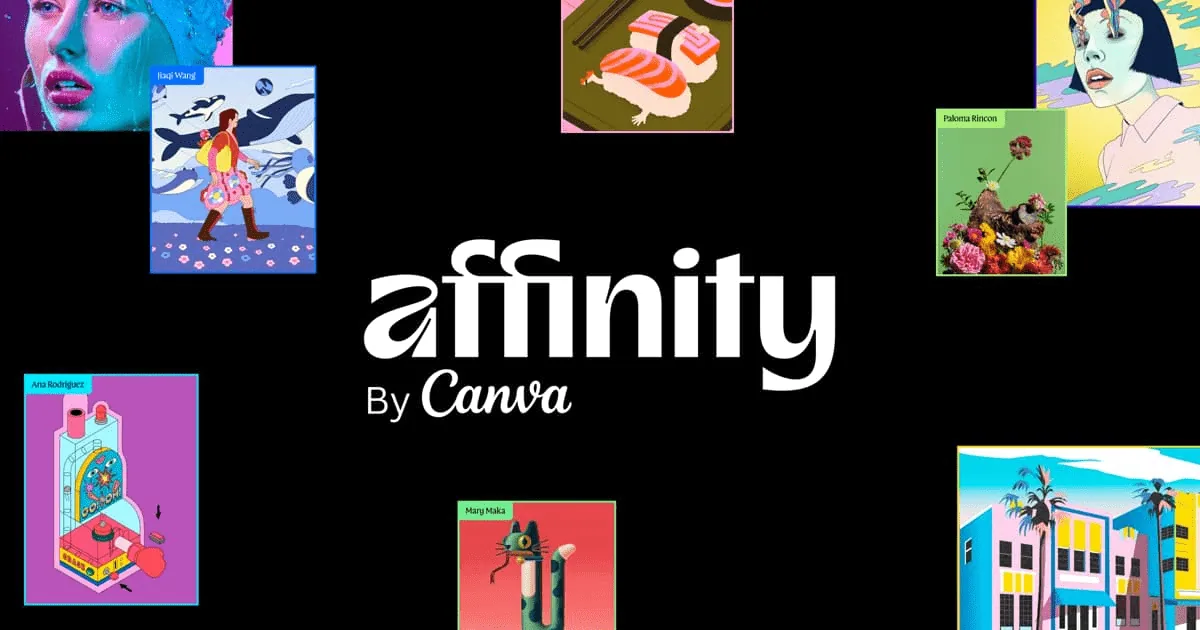
Affinity
One app combining the vector, photo and page layout tools of Affinity Designer, Photo and Publisher, now owned by Canva and free to download.
Graphic Design
Vector & Image Editors
Apps for vector illustration, photo editing and page layout.

Affinity
One app combining the vector, photo and page layout tools of Affinity Designer, Photo and Publisher, now owned by Canva and free to download.
Graphic Design
GIMP
Free, open-source raster editor for photo retouching, compositing and image manipulation, with layers, masks and a large plugin ecosystem.
Graphic Design
Graphite
Open-source 2D graphics editor in the browser that combines vector and raster work with a node-based, non-destructive procedural workflow.
Graphic Design
Inkscape
Open-source vector editor for illustration, icons and logos, built around SVG with node editing, path effects and bitmap tracing.
Graphic Design

Image Utilities
Small tools that convert, trace, compress or clean up images.
Image to ASCII
Free browser-based image-to-ASCII converter for retro visuals and README graphics. Processes images locally, with adjustable character styles, dithering, and color; copies text or Markdown and exports TXT, PNG, SVG, HTML, and ANSI. No signup required.
Graphic Design
Kanyon Image Studio
Free browser-based image preparation for designers: compress, resize/crop, convert HEIC to JPG, export JPG/PNG/WebP and clean personal metadata from JPG/PNG. Up to 50 photos per batch, with previews, a built-in sample and ZIP downloads (50 MB/image, 200 MB/batch, 60 outputs/run). No signup or image uploads; image processing stays on-device. Site analytics and HEIC/ZIP libraries may load online. Built and submitted by Kanyon Studio.
Graphic Design

Pic2SVG
Browser-based converter that traces raster images into real, editable SVG paths. SVG downloads are free with no account; PDF, EPS, AI and DXF exports need a paid plan.
Graphic Design
PixelArtHive
Free browser-based pixel-art tools: a nearest-neighbour scaler that keeps hard edges on sprites and icons, plus palettes and guides. No account, and images stay in the browser.
Graphic Design

Squoosh
Open-source web app from Google Chrome Labs for compressing and resizing images, with a side-by-side preview to compare codecs and quality settings.
Graphic Design


More Graphic Design

Brand New
Long-running blog by UnderConsideration that reviews and comments on corporate and brand identity redesigns, with before-and-after comparisons.
Graphic Design
Clip Studio Paint
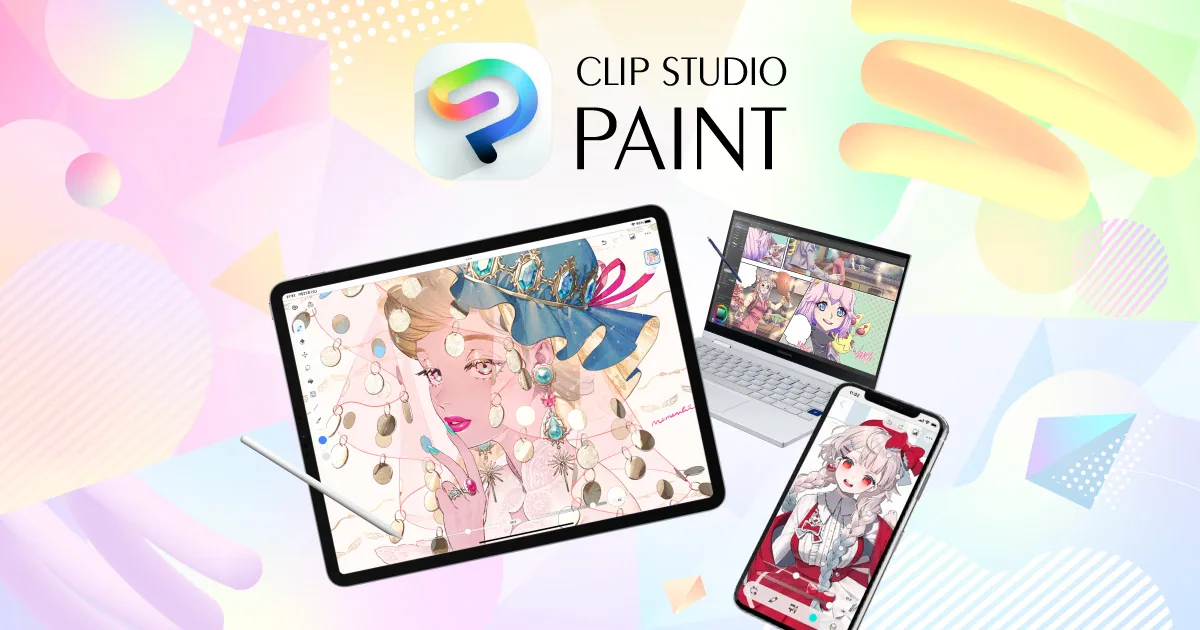
Drawing and painting software for illustration, comics and manga, with vector inking, 3D pose models, panel tools and frame animation.
Graphic Design

InspirationGrid
Curated daily dose of creative inspiration including graphic design, architecture, photography, and art from around the world.
Graphic Design
Krita
Free, open-source painting program for concept art, illustration and comics, with brush engines, stabilisers, wrap-around mode and animation.
Graphic Design
Procreate
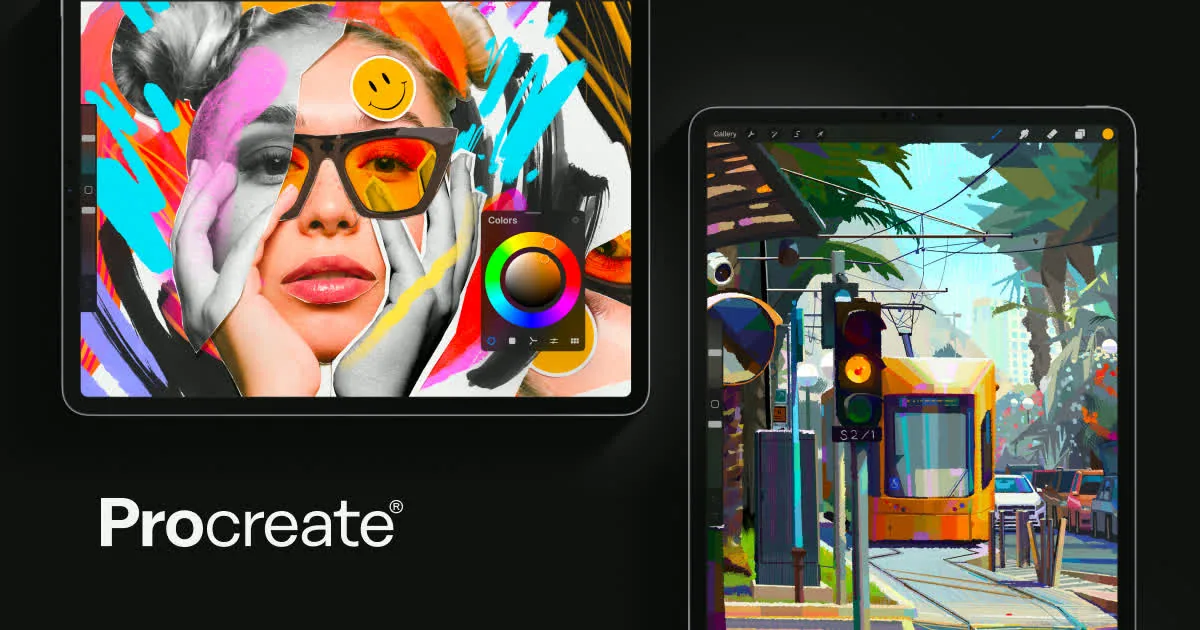
iPad painting app with a large brush library, layers and Apple Pencil support, widely used for sketching, illustration and lettering.
Graphic Design
Women of Graphic Design
A project focused on exhibiting the contributions of women in graphic design and exploring issues of gender-equality in education provided by design institutions.
Graphic Design
About Graphic Design
Graphic Design covers the apps and small tools for logos, identity, print and image work. It is split into vector and image editors, drawing and painting apps, image utilities that compress, convert or clean up files, and inspiration and the history of the craft.
Every tool here was opened and checked before it was listed. You can do professional work without a subscription. Affinity combines vector, photo and page layout tools in one app and is free to download, Inkscape is an open-source vector editor built around SVG, and GIMP is an open-source photo editor. Photopea runs in the browser and opens PSD, AI, Sketch and Figma files.
For drawing, Krita is free and open source, and Procreate is a paid iPad app. Before you hand files over, Squoosh and TinyPNG shrink images and SVGOMG strips editor clutter from SVG files. Brand New reviews identity redesigns with before and after comparisons, which is useful reading when you are working on one yourself.
Questions
- What are free alternatives to Illustrator and Photoshop?
- For vector work, Inkscape is free and open source, and Affinity, which combines vector, photo and page layout tools, is free to download. For photo editing, GIMP is free and open source, and Photopea runs in the browser and opens PSD files with their layers.
- How do I compress images without losing quality?
- Most compression loses some detail, so the aim is to stop before the loss shows. Squoosh puts the original and the compressed image side by side while you change the format and quality, and TinyPNG compresses PNG, JPEG, WebP and AVIF files in one step. For SVG files, SVGOMG removes editor metadata and redundant code.
- Which drawing app should I use for illustration?
- Procreate is a paid iPad app for sketching, painting and lettering with Apple Pencil. Krita is a free, open-source painting program for concept art and illustration, and Clip Studio Paint adds tools for comics and manga, such as panels and 3D pose models.
- How do I turn a raster image into a vector?
- Pic2SVG traces a raster image into editable SVG paths in the browser, and SVG downloads are free without an account. Inkscape can also trace bitmaps, which helps when you want to clean up the paths in the same app.