UX Design
UX design tools and user research resources. Learn about user testing, journey mapping, wireframing, and creating user-centered designs. Essential resources for understanding user behavior and designing better experiences. Build products users love.
Updated · 21 resources
Featured
Tools we pick ourselves. A card marked Sponsored is a paid spot, booked by the day.

Maze
Remote tests on prototypes and live sites, plus surveys, card sorts and interviews, with a free plan of one study a month for five seats.
UX Design
Research & Interviews
Plan studies, run interviews and make sense of what you learn.

Dovetail
Research repository for storing interview recordings, notes and survey responses, then tagging and grouping them into findings a team can search.
UX Design

How to Conduct User Interviews: A Step-by-Step Guide
A five-step process for running user interviews, from setting research goals and recruiting participants to moderating sessions and synthesizing findings, plus common mistakes to avoid.
UX Design

Inspo AI
Inspo AI is an open-source design platform for UI/UX designers, developers and product teams. Discover real web and mobile UI inspiration, organize ideas into moodboards, generate interfaces and user flows with AI, and export designs to Figma. Its Brand DNA Scanner can also analyze any website to uncover brand colors, typography, visual assets, brand identity and tech stack, bringing design research and UI creation into one workspace.
UX Design


Testing & Analytics
Test with real users and see how they behave on your product.

Hotjar
Heatmaps, session replays and on-page surveys for your own site; Hotjar is now part of Contentsquare, where new accounts are made.
UX Design

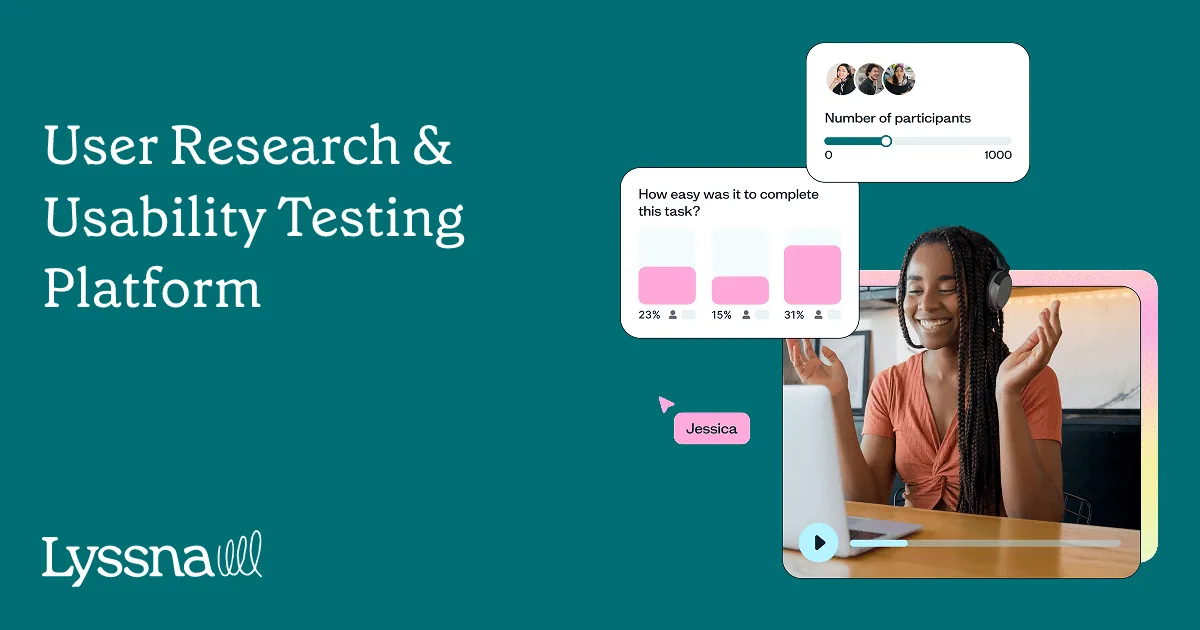
Lyssna
Remote testing platform for five-second tests, first-click tests, preference tests, prototype tests and surveys, with a built-in participant panel.
UX Design

Maze
Remote tests on prototypes and live sites, plus surveys, card sorts and interviews, with a free plan of one study a month for five seats.
UX Design

Microsoft Clarity
Free behaviour analytics script that records sessions and builds click and scroll heatmaps, flagging rage clicks and dead clicks on a live site.
UX Design


Feedback & Surveys
Collect feedback and run surveys.

Helio
Survey-based research tool from ZURB that tests designs, copy and concepts with a targeted audience panel and reports UX metrics before anything is built.
UX Design

Sprig
Enterprise survey platform that runs surveys inside web and mobile apps, by link and by email, with AI agents to design, field and analyse them.
UX Design

More UX Design

Filters vs. Facets: Definitions
The terms “filters” and “faceted navigation” are often used interchangeably; although related, these concepts have important differences.
UX Design

Frontitude
UX content management tool that keeps product copy, terminology and translations in one place, synced with Figma designs and the codebase.
UX Design

Microcopy
Library of real interface microcopy examples, such as headlines, buttons, error messages and empty states, sorted by use case for UX writers.
UX Design
Random User Generator
Free API that returns realistic placeholder people, with names, photos, addresses and contact details, for filling mockups and prototypes.
UX Design

Task Analysis: Support Users in Achieving Their Goals
Task analysis is the systematic study of how users complete tasks to achieve their goals. This knowledge ensures products and services are designed to efficiently and appropriately support those goals.
Articles

UX Research Field Guide
Free guide from User Interviews covering research planning, recruiting, interviews, usability tests, synthesis and research operations, chapter by chapter.
UX Design
About UX Design
UX Design covers the tools and methods for learning what people need and checking that a design works for them. It is split into research and interviews, testing and analytics, feedback and surveys, UX writing and content, and methods and articles.
Every resource here was opened and checked before it was listed. To test a prototype with remote participants, Maze, Lyssna and Useberry run task-based tests and report the results. Optimal Workshop is built for card sorting and tree testing, which check whether your navigation makes sense to people.
On a live site, Microsoft Clarity is free and records sessions with click and scroll heatmaps. Dovetail keeps interview recordings and notes in one place so a team can tag them into findings. If you are new to research, the UX Research Field Guide from User Interviews is free and goes chapter by chapter.
Questions
- How do I run a usability test remotely?
- For unmoderated tests, Maze, Lyssna and Useberry give participants tasks to complete on your prototype or site. For moderated sessions where you talk to the person, Lookback records their screen, face and voice with timestamped notes for the team.
- What is the difference between card sorting and tree testing?
- Card sorting asks people to group your content, which shows how they expect it to be organised. Tree testing asks them to find things in a proposed menu structure, which shows whether that structure works. Optimal Workshop and UXtweak run both.
- Is there a free heatmap tool?
- Microsoft Clarity is free: it records sessions, builds click and scroll heatmaps and flags rage clicks and dead clicks. Hotjar has a free plan alongside its paid ones.
- Where can I find microcopy examples?
- Microcopy collects real interface text, such as headlines, buttons, error messages and empty states, sorted by use case. Frontitude keeps a product's copy and terminology in one place and syncs it with Figma and the codebase.