Prototyping
Best prototyping tools for interactive design. Create high-fidelity prototypes with Figma, Marvel, and Framer. Test user flows and validate designs before development. Essential tools for rapid prototyping and user testing.
Updated · 20 resources
Featured
Tools we pick ourselves. A card marked Sponsored is a paid spot, booked by the day.
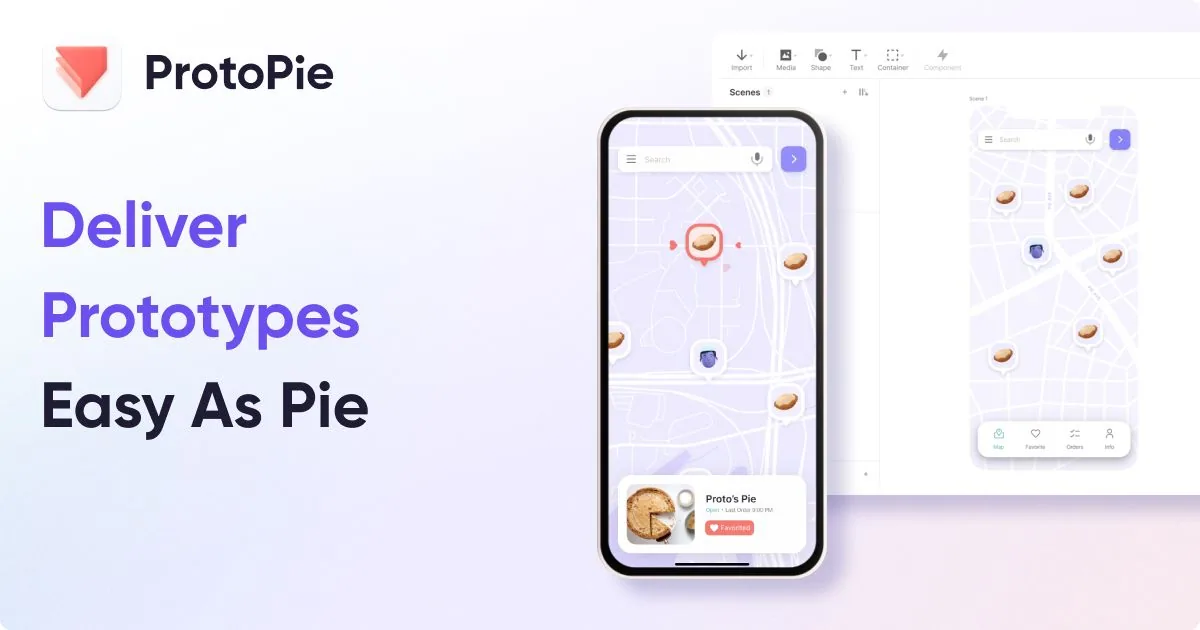
ProtoPie
High-fidelity prototyping tool for interactions with variables, conditions, sensors and multi-device behaviour, without writing code.
Prototyping
Interactive Prototyping
High-fidelity prototypes with real interactions, animation and logic.

Axure RP
Prototyping tool for complex, logic-driven prototypes with conditions, variables, dynamic panels and data sets, along with documentation for handoff.
Prototyping

Flinto
A Mac app for animated, interactive app prototypes, with a transition designer, a behaviour designer and import from Figma and Sketch.
Prototyping

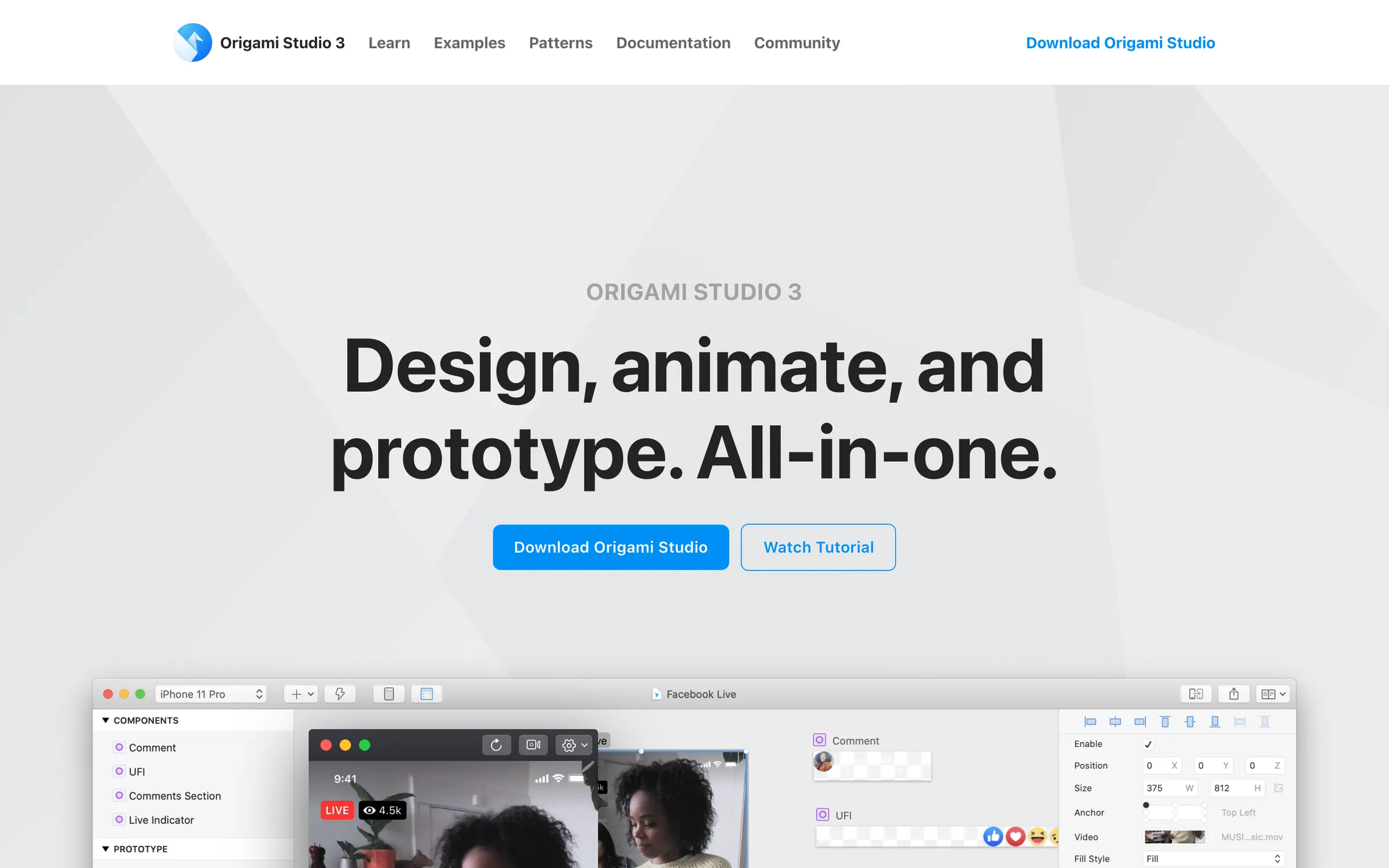
Origami Studio
Meta's free Mac app for interactive prototypes, built with a canvas and a patch editor and previewed live on iOS and Android phones.
Prototyping
Principle
Mac app for designing animated and interactive interfaces, with a timeline for transitions between artboards and drag-based interactions.
Prototyping


Design & Prototype
All-in-one tools that take a product from layout to clickable prototype.

Balsamiq
Low-fidelity wireframing tool with a hand-drawn look, for sketching interfaces quickly and agreeing on structure before visual design.
Wireframing

Fluid
Fast prototyping tool for creating web and mobile app mockups. Over 2000 built-in widgets and design components for rapid wireframing.
Prototyping

Justinmind
Desktop app for Mac and Windows that turns wireframes into interactive prototypes with working forms, data lists and conditions, without code.
Prototyping

Marvel
Browser tool for wireframes, clickable prototypes and user tests, with developer specs and phone apps that turn paper sketches into prototypes.
Prototyping

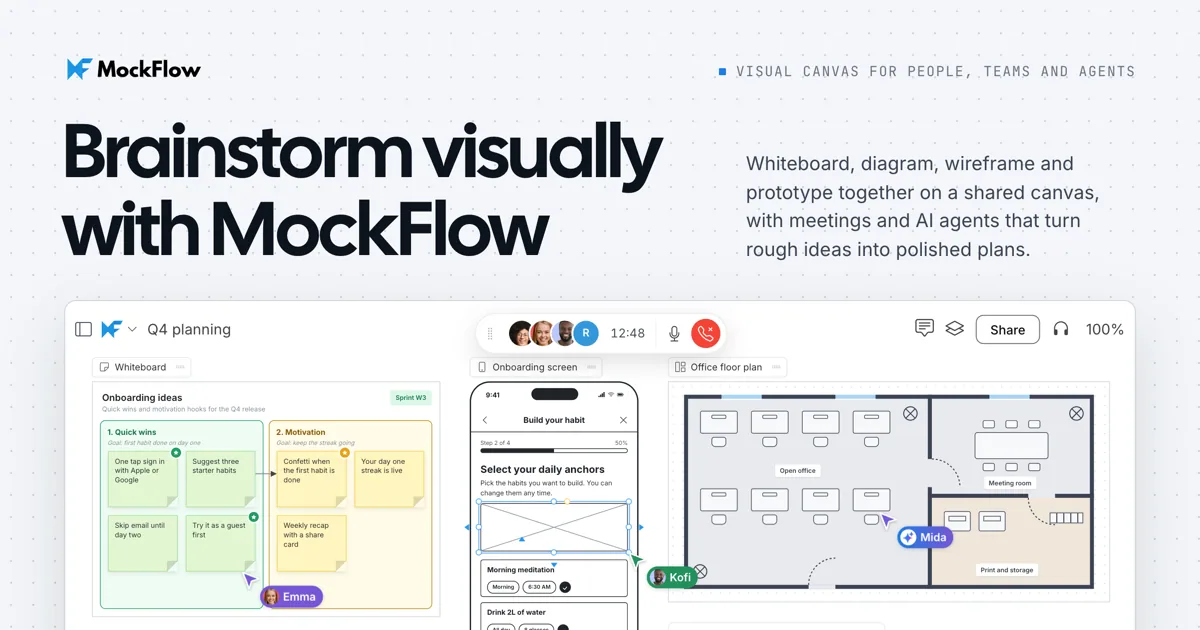
MockFlow
A whiteboard workspace with wireframing built in, where you sketch app and website screens, click through them and plan with flowcharts.
Wireframing

Mockplus
Design and prototyping platform with ready-made components and interactions for web and app wireframes, plus a cloud tool for collaboration and handoff.
Prototyping

Moqups
A browser app for wireframes, mockups, diagrams and whiteboards in one place, with real-time collaboration and an MCP server for AI tools.
Prototyping

Pixso
Browser-based collaborative interface design tool with components, auto layout, prototyping and developer handoff in a single file.
Prototyping

Quant-UX
Open-source prototyping and usability testing tool that records test sessions on prototypes and shows heatmaps and analytics on the same screens.
Prototyping

UXPin
Prototyping tool that builds screens from real React components, from libraries like MUI or your own Git repository, and hands developers the code.
Prototyping

Visily
The simplest collaborative UI design software with an intuitive interface, rich UI library, and AI features.
Prototyping
More Prototyping

OmniGraffle
Professional diagramming and digital illustration tool for Mac. Create wireframes, diagrams, flowcharts, and complex graphics with precision.
Prototyping


Wireflow
Free, open-source web tool for mapping user flows, connecting screens and steps with arrows and a set of ready-made flow elements.
Prototyping
About Prototyping
Prototyping covers tools for building something a person can click through before it is built. It is split into interactive prototyping with real logic and animation, all-in-one tools that take a product from layout to clickable prototype, and tools for mapping flows between screens.
Every tool here was opened and checked before it was listed. When a prototype needs variables, conditions or device sensors, ProtoPie handles that logic without code, and Axure RP adds data sets and documentation for handoff. Principle and Flinto are Mac apps for animated transitions between screens, and Origami Studio is free. Proto.io adds animation and transitions to prototypes for mobile, desktop and web.
If you want one tool from wireframe to prototype, UXPin, Justinmind and Mockplus cover both. To test a prototype with people, Quant-UX records sessions and shows heatmaps on the same screens. Overflow and Wireflow turn your screens into a user flow diagram.
Questions
- What is the difference between a wireframe, a mockup and a prototype?
- A wireframe shows the structure of a screen in low fidelity, a mockup shows how it will look, and a prototype lets someone click or tap through it. Justinmind and Mockplus cover all three in one tool.
- Are there free prototyping tools?
- Origami Studio is free. Quant-UX and Wireflow are free and open source: Quant-UX for prototypes you test with users, Wireflow for mapping flows between screens.
- How do I test a prototype with real users?
- Quant-UX records test sessions on your prototype and shows heatmaps and analytics on the same screens. For dedicated testing platforms, the UX Design category lists tools for remote usability tests.
- How do I map a user flow between screens?
- Overflow makes interactive user flow diagrams you can present. Wireflow is a free web tool with ready-made flow elements, and OmniGraffle is a Mac app for detailed diagrams and flowcharts.