Typography
Beautiful fonts and typography resources for designers. Explore Google Fonts, discover font pairing tools, and learn typography best practices. Find the perfect typeface for your projects with curated font libraries and typography inspiration.
Updated · 22 resources
Featured
Tools we pick ourselves. A card marked Sponsored is a paid spot, booked by the day.
Free Fonts
Libraries of free and open-source fonts.

Font Squirrel
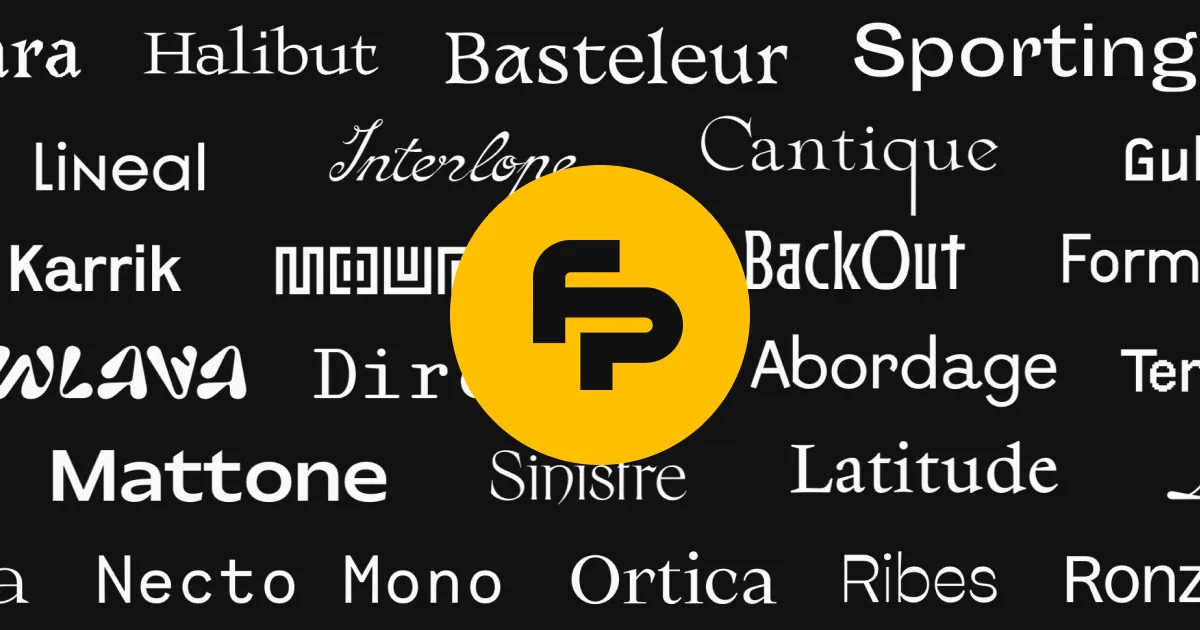
Curated collection of high-quality, commercial-use free fonts. Includes a webfont generator for converting fonts to web-friendly formats.
Typography

Fonts Arena
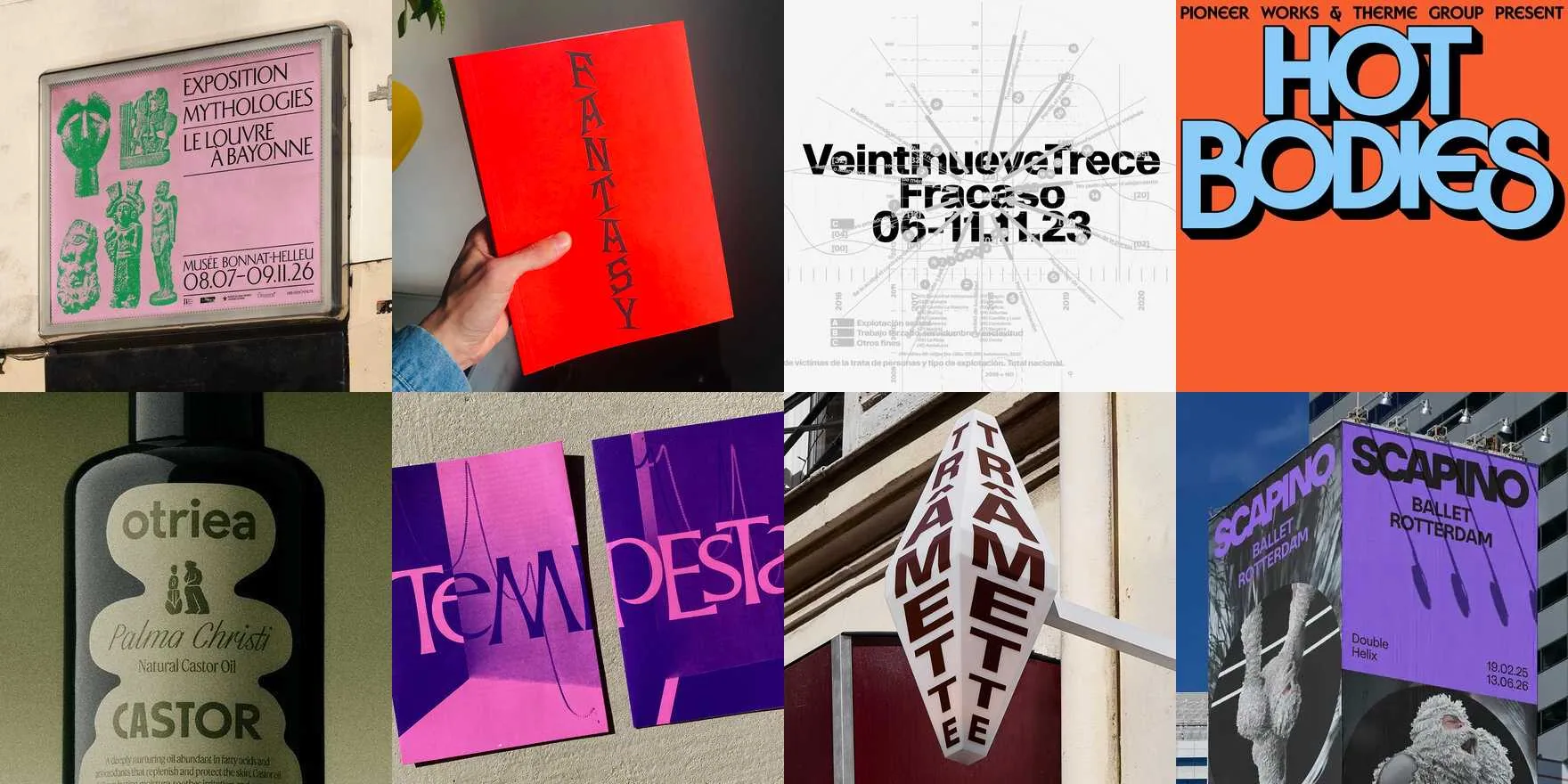
FontsArena is a curated typography website with a focus on contemporary typography and high quality free fonts.
Typography

Fontshare
Free font service from the Indian Type Foundry, with families such as Satoshi, Clash Display and General Sans for personal and commercial use.
Typography
FontsWiki
Free typography hub for designers and developers to browse font pages, preview type, compare alternatives, study pairings, and explore Fonts-in-Use examples from movies, logos, games, and visual culture.
Typography
Pairing & Type Scales
Find fonts that work together and build a type scale.

FontJoy
Generates a three-font pairing from Google Fonts with a neural network; lock the fonts you like and regenerate the rest.
Typography
FontPair
Font Pair is a typography site dedicated to helping creators use beautiful typography for their creative projects.
Typography
Modular Scale
Build your typographic scale, create the vertical rhythm of your web site.
Typography

Type Scale
Visual calculator for creating harmonious typography scales. Preview how different scale ratios affect your type system.
Typography
Inspiration & Writing
Typography in use, reviews and writing about type.
Fonts in Use
A searchable archive of over 35,000 real designs, from book covers and album art to websites, each tagged with the typefaces it uses.
Typography

I Love Typography
Long-running typography magazine with essays on type history, interviews with type designers and features on new typefaces.
Typography

Typewolf
Discover trending typefaces and see how they're used in the wild. Curated font recommendations, site reviews, and typography inspiration.
Typography
Typographic Posters
Typographic Posters is a platform for inspiration and promotion of good design through the poster culture.
Typography

Typographica
In-depth typeface reviews, book reviews, and commentary on typography. Essential reading for type enthusiasts and designers.
Typography
Typography in Ten Minutes
If you learn and follow these five typography rules, you will be a better typographer than nearly every writer—and even most graphic designers.
Typography
Font Tools
Identify, edit and manage fonts.
FontForge
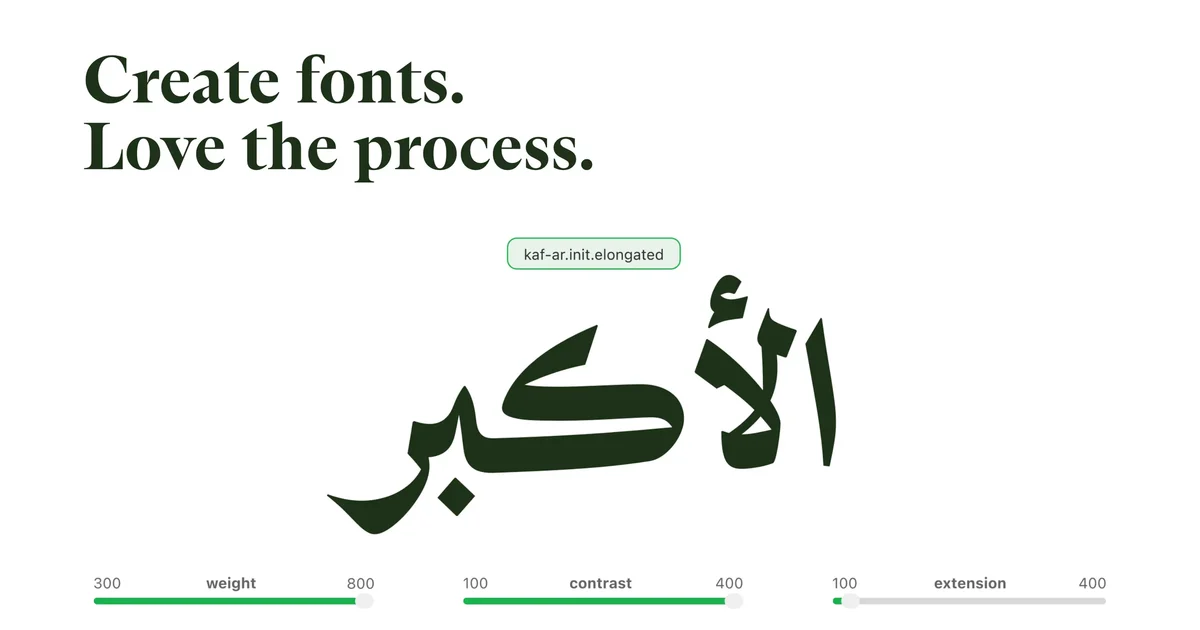
Free, open-source font editor for creating and modifying outline and bitmap fonts, with scripting and export to OpenType, TrueType and web formats.
Typography
Fontself
Turns lettering drawn in Illustrator or Photoshop into a working OpenType font, including color fonts, without leaving the app.
Typography
More Typography
Grilli Type
Swiss type foundry known for the GT families, including GT America, GT Walsheim and GT Sectra, with trial fonts available for testing.
Typography

About Typography
Typography covers the fonts themselves and everything around choosing and using them. It is split into free font libraries, foundries and marketplaces, tools for pairing fonts and setting a type scale, inspiration and writing about type, and tools for inspecting and editing fonts.
Every resource here was opened and checked before it was listed. Google Fonts and Fontshare are a good start for most projects, since both are free. Foundries such as Klim and Grilli Type sell their own families under a licence you pay for, and are worth it when a brand needs type that is less common than the free defaults.
If you are choosing type for an interface, start with a pairing tool such as FontPair, then set a scale with Type Scale or Modular Scale so sizes stay consistent. To see how a typeface behaves outside its specimen, look it up on Fonts in Use.
Questions
- Where can I find free fonts for commercial use?
- Every font on Google Fonts is open source, so you can use it in commercial work at no cost. Fontshare and Font Squirrel also offer free fonts for commercial projects. Read the licence that comes with each font before you ship, because the terms for websites and apps can differ.
- What is the difference between a font library and a foundry?
- A library collects fonts from many designers, often for free. A foundry designs its own typefaces and sells licences for them, usually priced by where you use the font, such as desktop, web or app. MyFonts sits between the two: it sells fonts from many foundries in one place.
- How do I pair two fonts?
- Give each font a clear role, such as a serif for headings and a sans serif for text, and keep to two families. FontPair shows pairings set in sample layouts, and FontJoy generates new ones and lets you lock the font you want to keep.
- Which font editor should I start with?
- FontForge is free and open source, and runs on Windows, Mac and Linux. Glyphs is a paid Mac app for drawing, spacing and kerning full families. Fontself turns lettering drawn in Illustrator or Photoshop into a working font without leaving the app.