ZBrush
Digital sculpting software for high-detail characters, creatures and organic forms, from Maxon.
At a glance
Checked
- Pricing
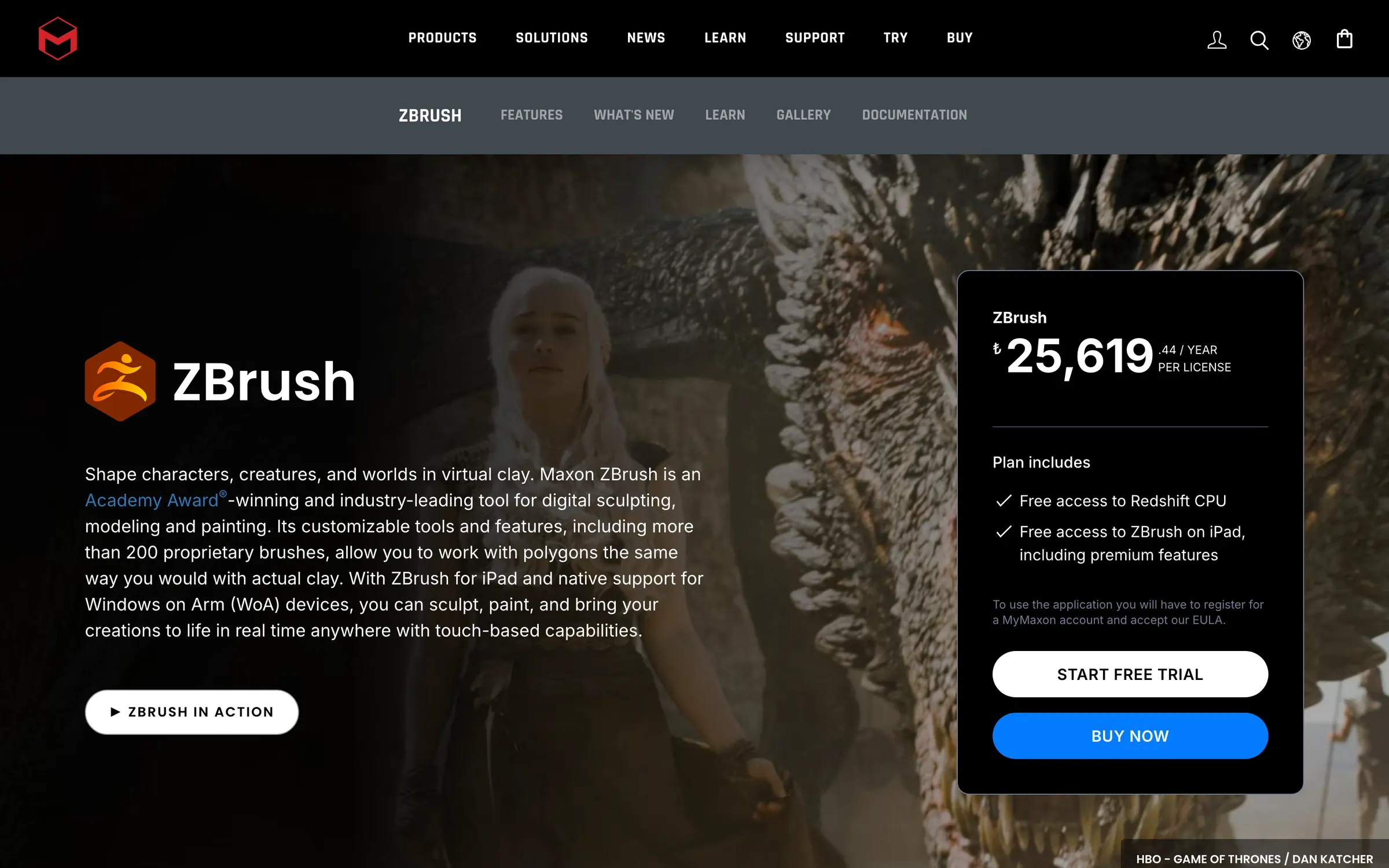
- ZBrush: $49 a month billed monthly, or $33.25 a month billed yearly, including ZBrush for iPad
- Maxon One: $169 a month billed monthly, or $1,265 a year, bundling ZBrush with Cinema 4D, Redshift, Red Giant and Universe
- Licence
- Proprietary, not open source
- Made by
- Maxon
- Platforms
- Windows, including Windows on Arm, macOS and iPadOS
- Website
- maxon.net
What it’s good for
ZBrush is Maxon's digital sculpting application. You shape characters, creatures, props and environments as if working in clay, with more than 200 brushes and tools that let you sculpt at very high polygon counts without worrying about topology. It also builds hard-surface and low-poly models with ZModeler and Live Boolean, and PolyPaint paints straight onto the surface without UVs.
It suits character and creature artists, concept artists, toy and collectible makers, product designers and illustrators moving into 3D, who can start on iPad and move to desktop. A subscription covers desktop, iPad and Windows on Arm with premium features, Redshift rendering, ZBrush Classroom and Cineversity training. The Maxon One bundle adds Cinema 4D, Red Giant, Universe and Capsules.
Alternatives to ZBrush
All 3D tools
Questions
- Does ZBrush work on iPad?
- Yes. ZBrush runs on iPadOS as well as Windows and macOS, and the licence is dual platform, so you can use it on desktop and iPad at the same time.
- Do I need a graphics tablet for ZBrush?
- It is not required, but Maxon strongly recommends one, such as a Wacom, for more control. ZBrush runs on the processor, so it works on most modern computers whatever their graphics card.