
Coolors
Lightning-fast color palette generator with AI assistance. Create, explore, and export beautiful color schemes with keyboard shortcuts and advanced tools.
At a glance
Checked
- Pricing
- Free: palettes of up to 5 colours, 10 saved palettes, 1 project and 1 collection, with ads
- Pro: $3 a month, $36 billed yearly; no ads, palettes of up to 10 colours, unlimited saving, 3,000 AI credits a month
- Licence
- Proprietary, not open source
- Made by
- Fabrizio Bianchi
- Platforms
- In the browser, with an iOS app, a Figma plugin, an Adobe extension and a Chrome extension
- Website
- coolors.co
What it’s good for
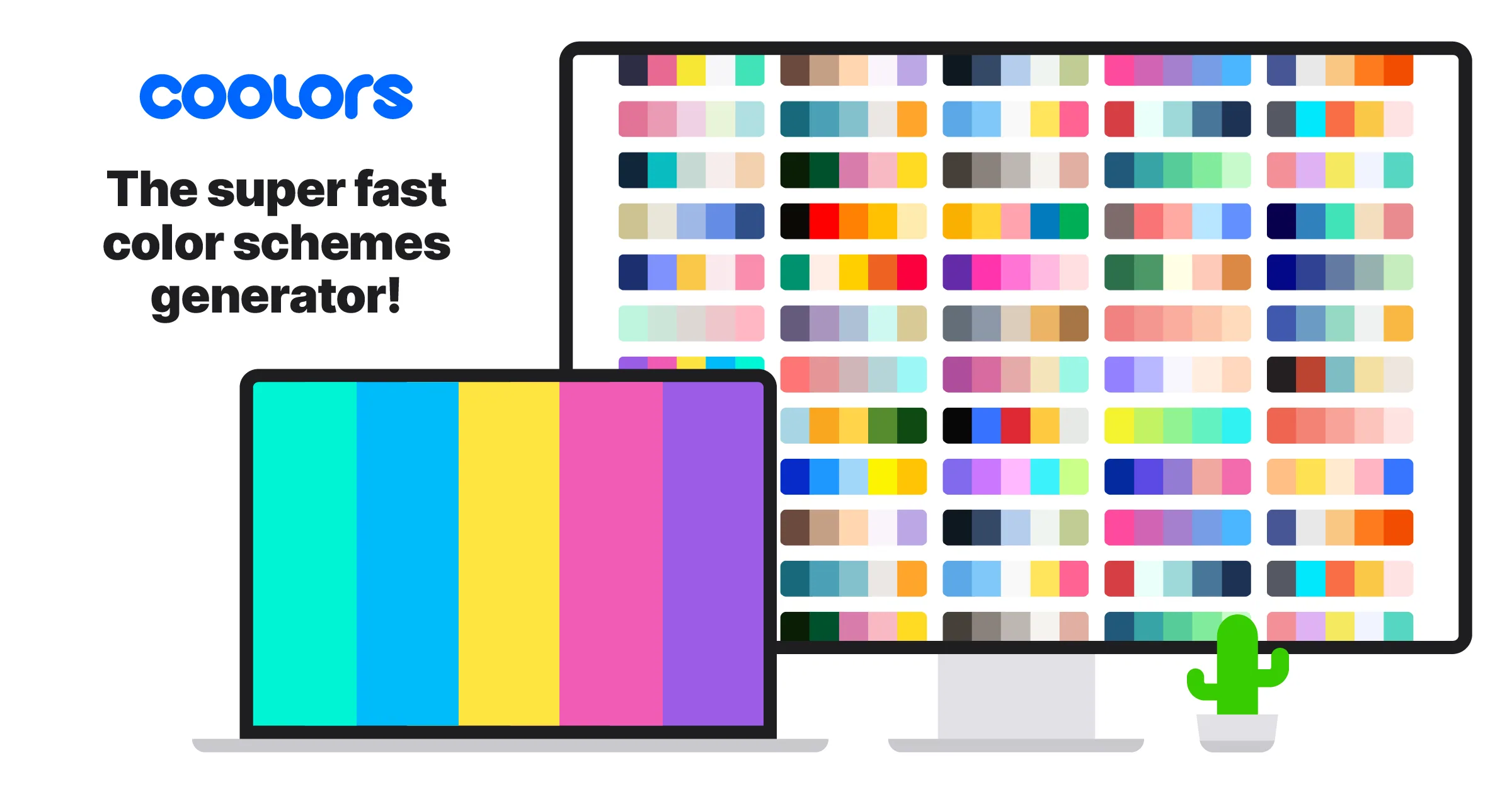
Coolors generates colour palettes and gives you the tools around them. Beyond the generator it pulls a palette from an image, checks contrast, previews palettes on designs, makes gradients and has a library of ready colour schemes to browse. Palettes export for web, print and motion work.
It suits designers starting a brand or interface palette who want many options quickly. The free plan covers the generator, with ads and up to 10 saved palettes. Pro removes the ads, allows palettes of up to 10 colours, unlimited saving and Coolors AI, and works the same on the website, the iOS app and the plugins.
Alternatives to Coolors
All Color tools


Questions
- Is Coolors free?
- Yes. Coolors is free to use, with ads, palettes of up to 5 colours and up to 10 saved palettes. Pro costs $3 a month, billed yearly at $36.
- Is there a Coolors plugin for Figma?
- Yes. Coolors has a Figma plugin, an Adobe extension for Illustrator and InDesign, a Chrome extension and an iOS app, and a Pro subscription covers all of them.