
GOV.UK Design System
Styles, components and patterns for UK government services, grounded in user research and accessibility testing.
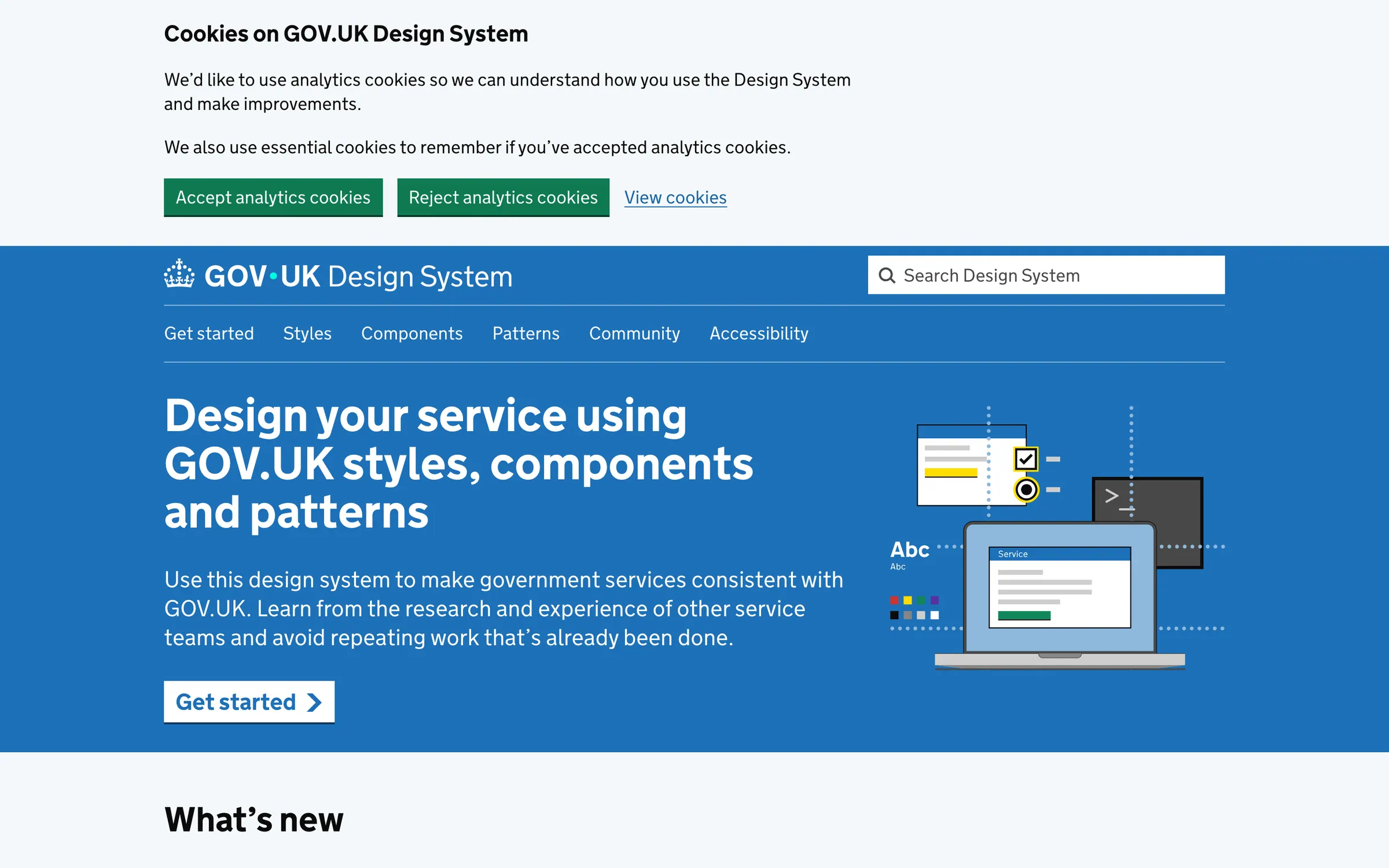
At a glance
Checked
- Pricing
- Free: GOV.UK Frontend code under MIT, guidance under the Open Government Licence v3.0
- Licence
- MIT, open source; content under the Open Government Licence v3.0
- GitHub
- github.com/alphagov/govuk-frontend1.5k stars · 379 forks · written in JavaScriptLatest release v6.6.0, 15 Oct 2026From GitHub, updated at every build
- Made by
- Government Digital Service
- Platforms
- Web, through the govuk-frontend npm package or precompiled files, with Nunjucks macros and the GOV.UK Prototype Kit
- Website
- design-system.service.gov.uk
What it’s good for
The GOV.UK Design System gives UK government teams the styles, components and patterns to make a service look and behave like GOV.UK, from name and address patterns to a character count, and each page records how it was tested in user research. Code comes from GOV.UK Frontend, version 6.6.0 when checked, installed with npm or as compiled files, with HTML and Nunjucks examples under every component.
Prototypes are built with version 7 or later of the GOV.UK Prototype Kit. Services that are not on GOV.UK can still use the code: the GDS Transport font and GOV.UK branding are reserved for GOV.UK, so you swap in the Generic header, your own font and a brand colour through the Sass API. A team at the Government Digital Service maintains it.
Alternatives to GOV.UK Design System
All Design Systems tools

Questions
- Can I use the GOV.UK Design System outside government?
- The code is MIT licensed, and there is official guidance for services that are not part of GOV.UK. Those services use the Generic header, their own images and a font other than GDS Transport, set through Sass variables in GOV.UK Frontend 6.3.0 or later.
- How do I prototype with the GOV.UK Design System?
- Install version 7 or later of the GOV.UK Prototype Kit, which is built to work with the Design System, then copy the HTML or Nunjucks code shown under each component example.