
Node.js
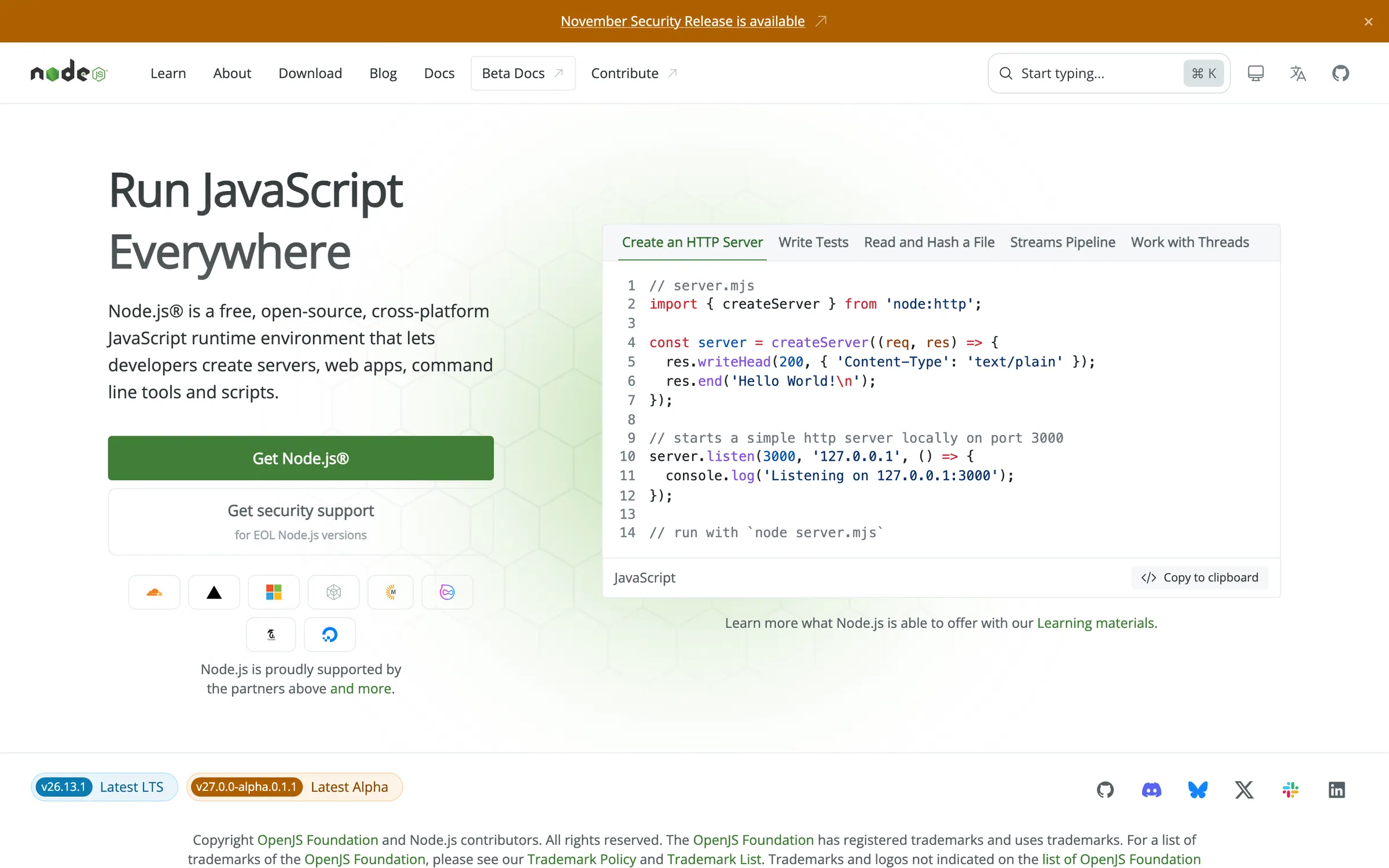
Node.js® is a JavaScript runtime built on Chrome's V8 JavaScript engine.
At a glance
Checked
- Pricing
- Free: every release, MIT licensed, no account needed
- Licence
- MIT, open source
- GitHub
- github.com/nodejs/node123.8k stars · 38k forks · written in JavaScriptLatest release v27.0.0-alpha.0.1.1, 17 Nov 2026From GitHub, updated at every build
- Made by
- OpenJS Foundation and Node.js contributors
- Platforms
- Windows, macOS, Linux and AIX, from installers, prebuilt binaries or source
- Website
- nodejs.org
What it’s good for
Node.js runs JavaScript outside the browser, on your laptop or on a server. In front-end work it sits underneath the tooling: the npm build of Sass, static site generators such as Eleventy and most bundlers expect it to be installed before they will start. It also runs servers, command line scripts and whole web apps written in JavaScript.
Designers who code usually meet it the first time a project asks them to install dependencies. The download page offers the long term support line first, v26.13.1 when checked, which is the sensible pick unless a project names another version. Since v22.18 it can execute TypeScript files by stripping the types, without checking them. Node.js costs nothing, is MIT licensed and is looked after by the OpenJS Foundation.
Alternatives to Node.js
All Frontend Design tools

Questions
- Is Node.js free?
- Yes. Node.js is open source under the MIT licence, and every release can be downloaded from nodejs.org at no cost.
- Which Node.js version should I install?
- The download page defaults to the latest long term support release, v26.13.1 when checked. The v24 and v22 lines are still listed as LTS, while v25, v23 and older versions have reached end of life.