
Visual Studio Code
Free code editor from Microsoft for Windows, macOS and Linux, with debugging, version control, AI chat and thousands of extensions.
At a glance
Checked
- Pricing
- Free: for private and commercial use
- GitHub Copilot in the editor: a free plan with a monthly allowance of suggestions and AI credits, or a paid Copilot plan
- Licence
- MIT source code, open source; the Microsoft build has a Microsoft product licence
- GitHub
- github.com/microsoft/vscode195.7k stars · 44.2k forks · written in TypeScriptLatest release 1.147.0, 18 Nov 2026From GitHub, updated at every build
- Made by
- Microsoft
- Platforms
- Windows, macOS and Linux, or in the browser at vscode.dev
- Website
- code.visualstudio.com
What it’s good for
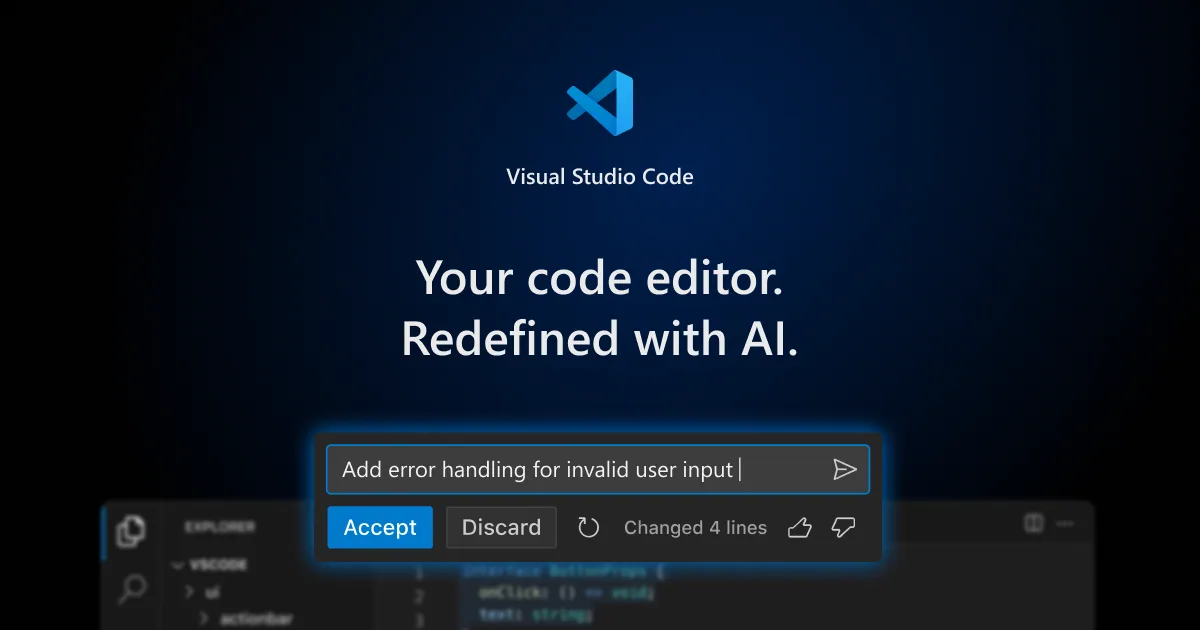
Visual Studio Code is a code editor for writing, running and debugging front-end projects. It handles version control and task running, and thousands of extensions in the Visual Studio Marketplace add languages, themes and tools. Its AI chat can use models from Anthropic, OpenAI, Google and Microsoft, open weight models, or your own API key.
It suits designers starting to code as much as experienced developers, and runs on Windows, macOS and Linux, or in the browser at vscode.dev. The editor is free for private and commercial use. Its source is MIT licensed in the microsoft/vscode repository, while the build Microsoft distributes carries a Microsoft product licence.
Alternatives to Visual Studio Code
All Frontend Design tools

Questions
- Is VS Code free?
- Yes. Microsoft says VS Code is free for private or commercial use. Its AI features run through GitHub Copilot, which has a free plan with a monthly allowance, or through your own model keys.
- Is VS Code open source?
- Its source code is, under the MIT licence, in the microsoft/vscode repository. The Visual Studio Code download is Microsoft's distribution of that code with its own customisations, released under a Microsoft product licence.