Material Icons
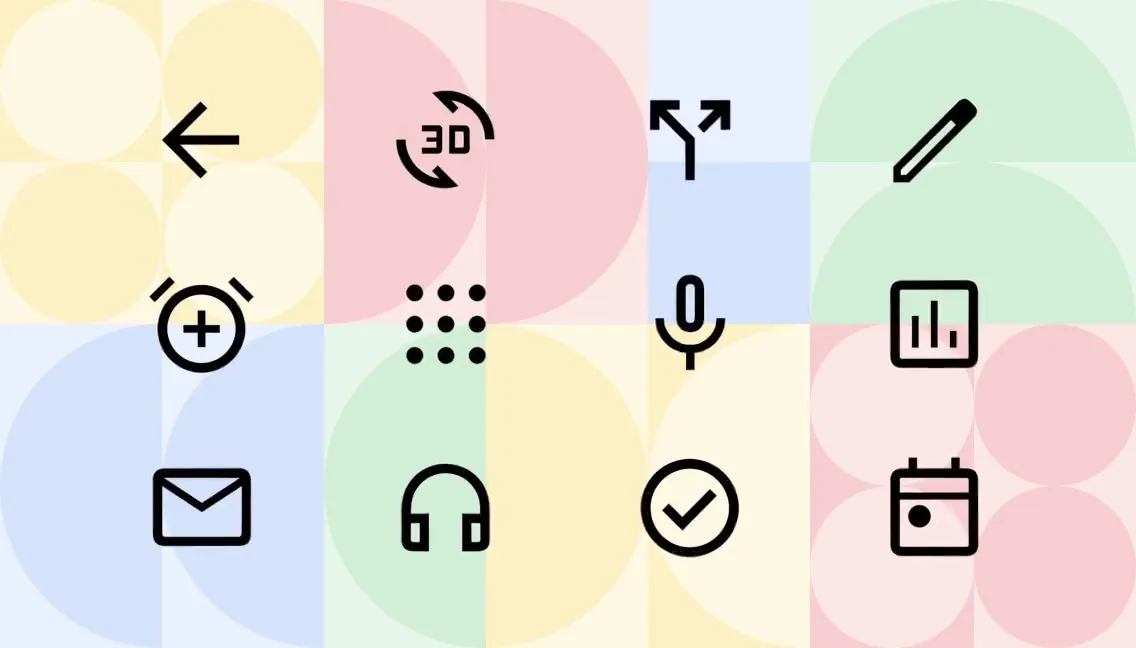
Google's Material Design icons, now Material Symbols: over 2,500 glyphs in one variable font with fill, weight, grade and size axes, under Apache 2.0.
At a glance
Checked
- Pricing
- Free: every icon, under the Apache License 2.0
- Licence
- Apache-2.0, open source; commercial use allowed, credit welcome but not required
- GitHub
- github.com/google/material-design-icons54.4k stars · 9.8k forksLatest release 4.0.0, 31 Aug 2020From GitHub, updated at every build
- Made by
- Platforms
- On Google Fonts as a web font, with SVG and PNG downloads, Android Vector Drawables and Apple Symbols
- Website
- fonts.google.com
What it’s good for
Material Icons is Google's icon set for Material Design, browsed and downloaded on Google Fonts. Its current version, Material Symbols, holds over 2,500 glyphs in one variable font with three styles and four axes you can set: fill, weight from 100 to 700, grade and optical size from 20 to 48dp. You load it from Google Fonts or host it yourself, or download single icons as SVG, PNG, Android Vector Drawables or Apple Symbols.
It suits web and Android projects that follow Material Design, and anyone who wants one font for every interface icon. The icons are free under the Apache License 2.0, commercial use included, and Google says credit in your about screen is welcome but not required.
Alternatives to Material Icons
All Icons tools

Questions
- Can I use Material Icons commercially?
- Yes. The icons are available under the Apache License 2.0, which allows commercial use. Google welcomes credit in an app's about screen but does not require it.
- What is the difference between Material Icons and Material Symbols?
- Material Symbols is Google's newest set, built as a variable font where fill, weight, grade and optical size can be adjusted. The older Material Icons font comes as static files in woff2, woff and ttf.