
Artboard Studio
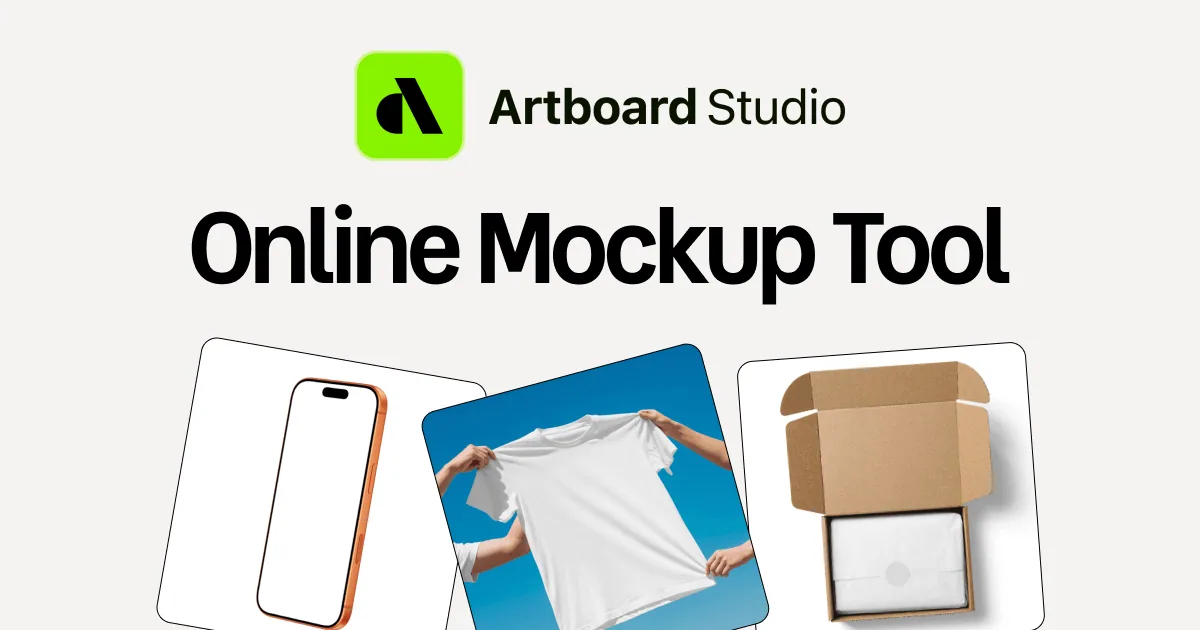
An online mockup editor with device, apparel, packaging and print scenes for portfolios and case studies.
At a glance
Checked
- Pricing
- Free: start without paying, with a personal licence only and premium items locked
- Lite: $9 a month, billed yearly
- Pro: $19 a month, billed yearly, with unlimited image and video exports
- Lifetime Mockup: $129 once, with no recurring payments
- Single project: a one-time payment upgrades one project to premium
- Licence
- Free accounts get a personal licence only; any paid plan grants a commercial licence, counted per product or service you sell
- Platforms
- In the browser, with plugins for Figma and Adobe Express
- Website
- artboard.studio
What it’s good for
Artboard Studio is a browser mockup editor with more than 5,000 scenes across devices, apparel, packaging, print and branding. You place an image or a video on a mockup surface, adjust the background and export PNG, JPEG or WEBP stills, or MP4 and WEBM clips for Dribbble, Behance or a client deck. A text prompt can also generate a new scene with AI.
The same library works inside Figma through the Artboard Mockups plugin, and in Adobe Express. Free accounts carry a personal licence and premium items stay locked; a paid plan, or a one-off upgrade of a single project, unlocks them, and only paid plans give the commercial licence you need once the work earns money. The site now runs a new version of the editor, and older accounts and projects remain on a legacy app.
Alternatives to Artboard Studio
All Mockup tools

Questions
- Is Artboard Studio free?
- You can sign up and start for free, but free exports carry a personal licence only and premium mockups are locked. Paid plans start with Lite at $9 a month, billed yearly.
- Can I make video mockups with Artboard Studio?
- Yes. You can put a video on a mockup surface and export it as MP4 or WEBM. The Pro plan, $19 a month billed yearly, includes unlimited image and video exports.