
Pika
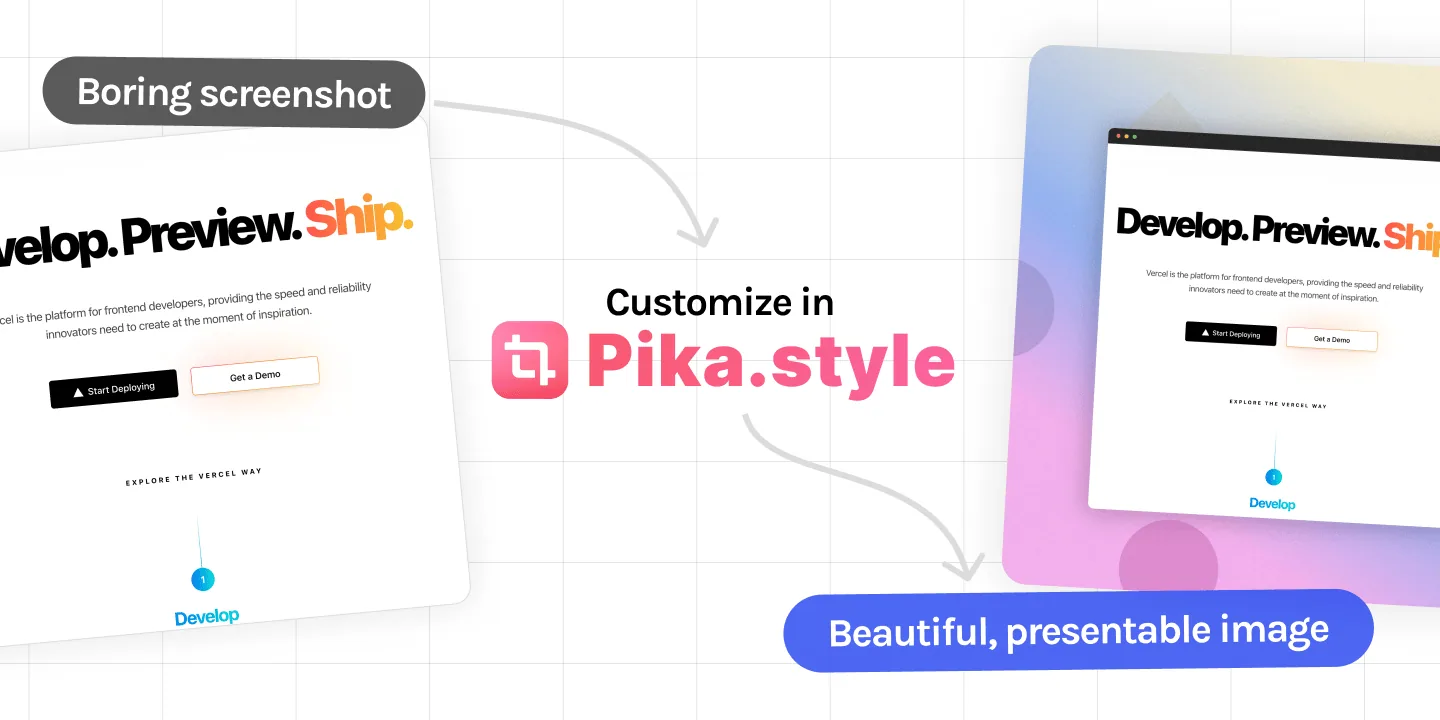
A screenshot editor that adds backgrounds, browser and device frames, shadows and text, and can capture any website.
At a glance
Checked
- Pricing
- Free: no account needed and unlimited exports, with a small Pika.style watermark
- Pro: $15 a month, or $150 a year, with 4K, WebP and SVG export, presets and no watermark
- Team: $12 a seat a month, or $120 a seat a year, from 2 seats, with shared presets and projects
- Lifetime: $299 once, Pro for one person with new features for 2 years
- Licence
- Proprietary, not open source
- Platforms
- In the browser, with a macOS app and extensions for Chrome, VS Code and Raycast
- Website
- pika.style
What it’s good for
Pika turns a plain screenshot into an image ready for a tweet, a changelog or a landing page: you drop it on a background, add a browser or device frame, shadows and text, and export. Paste a link and it captures the website for you; other templates cover code snippets, tweet images, App Store screenshots, testimonials and Open Graph images.
Editing happens in your browser, and nothing is uploaded unless you make a share link or save a preset. Free exports are unlimited but carry a small watermark. Pro removes it and adds 4K, WebP and SVG export, annotation tools and saved brand colours, and Team shares presets across client projects.
Alternatives to Pika
All Mockup tools


Questions
- Is Pika free?
- Yes. The editor needs no account and puts no cap on free exports, though each one carries a small Pika.style watermark. Pro, at $15 a month or $150 a year, removes it.
- Does Pika upload my screenshots?
- No. Images are edited and exported in the browser, and they are only uploaded when you create a share link or save a preset, both of which are Pro features.