Screen Studio
Mac screen recorder that adds automatic zoom, smooth cursor movement and backgrounds, made for polished product demos and tutorials.
At a glance
Checked
- Pricing
- Yearly: $9 a month, billed yearly, every feature included
- Monthly: $29 a month, billed monthly, every feature included
- Education: 40% off for students and educators, on request
- Licence
- Proprietary, not open source
- Made by
- Adam Pietrasiak
- Platforms
- Mac only, macOS 13.1 or later recommended
- Website
- screen.studio
What it’s good for
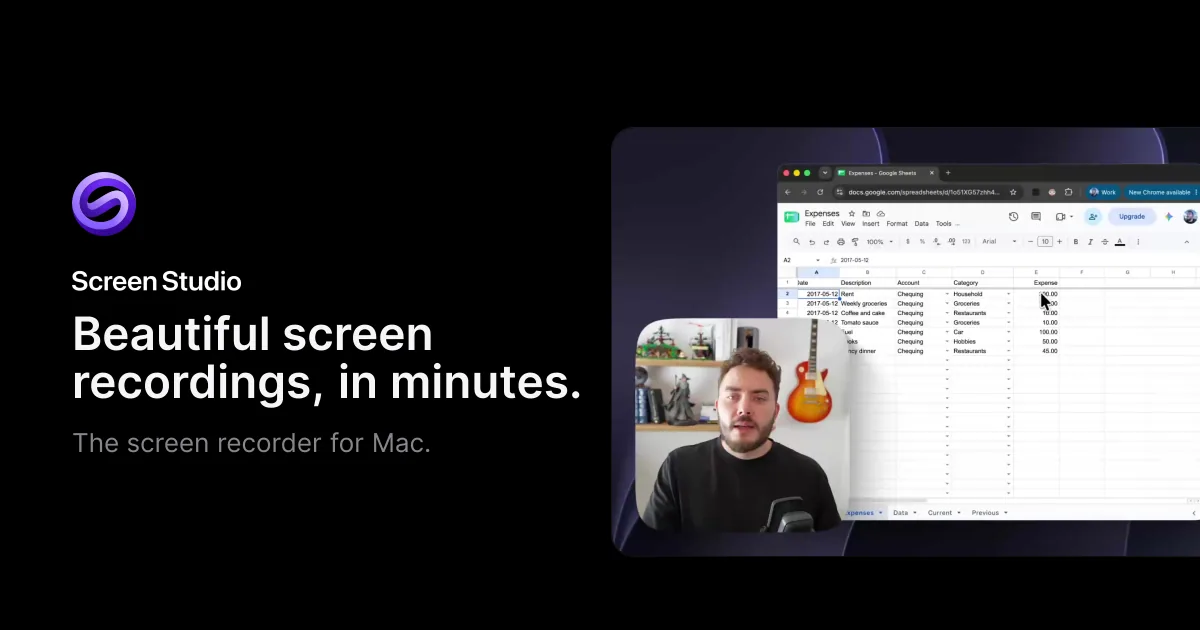
Screen Studio records your Mac screen and turns it into a finished product demo with little editing. It zooms in automatically where you click, smooths the cursor path, adds backgrounds and shadows, and lays out your camera next to the screen. You can cut a recording by editing its transcript, switch to a square or vertical format, and export MP4 or GIF up to 4K at 60 fps, or share a link.
It suits designers and developers who make launch videos, tutorials and case study clips. There is no free plan: every feature is included at $9 a month billed yearly or $29 billed monthly, and students and educators get 40% off. It runs only on macOS, with 13.1 or later recommended.
Alternatives to Screen Studio
All Productivity tools
Questions
- Is Screen Studio free?
- No. Screen Studio costs $9 a month billed yearly or $29 a month billed monthly, with every feature in both plans. Students and educators can ask for 40% off.
- Does Screen Studio work on Windows?
- No. Screen Studio only supports macOS, and macOS Ventura 13.1 or later is recommended. It runs natively on Apple silicon Macs.