
Trello
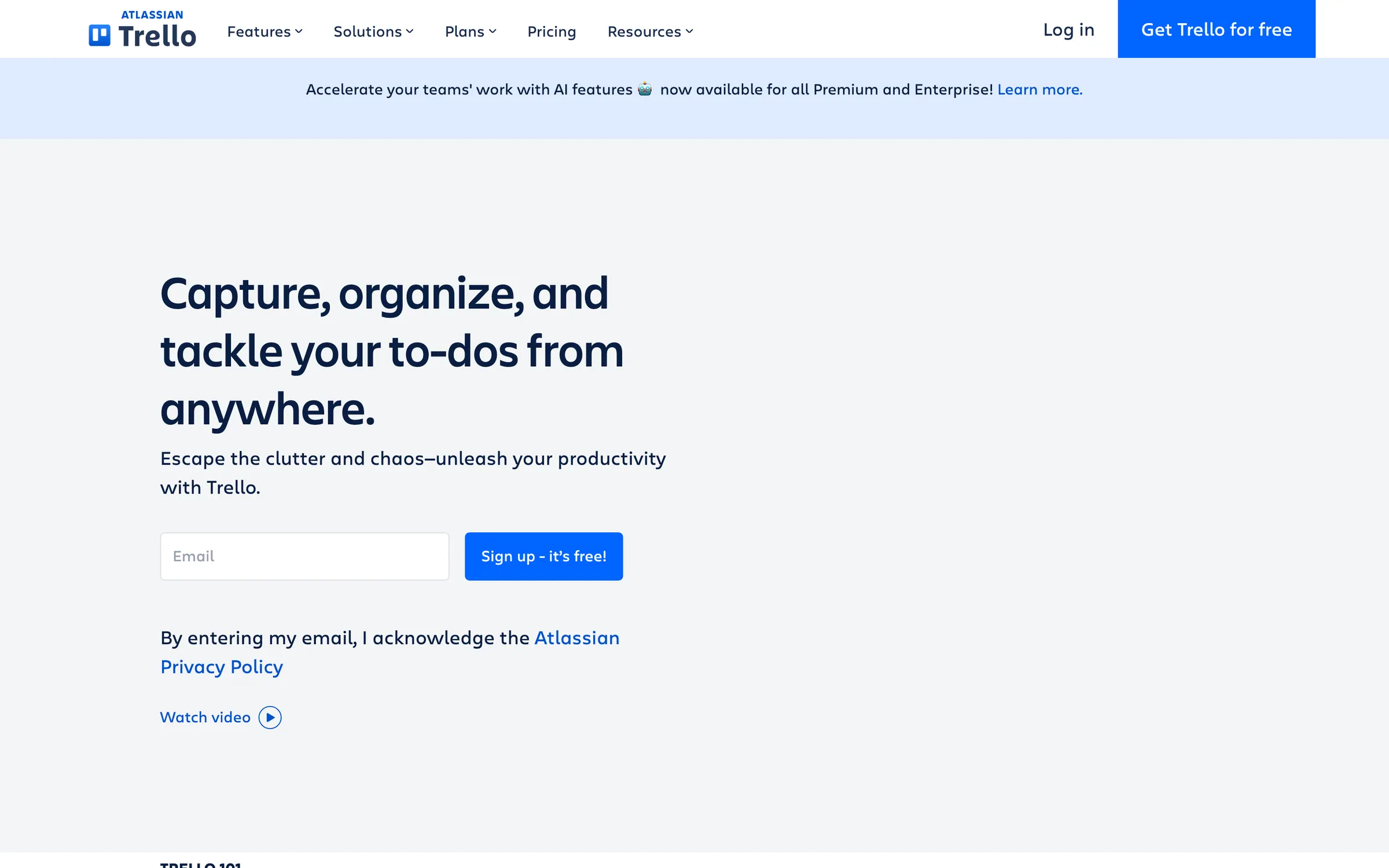
Kanban-style boards for tracking tasks and projects, with cards, checklists, due dates and automations, used widely by creative teams.
At a glance
Checked
- Pricing
- Free: $0, up to 10 collaborators and 10 boards per Workspace, unlimited Power-Ups and files up to 10 MB
- Standard: $5 per user a month, billed yearly, or $6 billed monthly, with unlimited boards and files up to 250 MB
- Premium: $10 per user a month, billed yearly, or $12.50 billed monthly, adding Calendar, Timeline, Table, Dashboard and Map views
- Enterprise: $17.50 per user a month, billed yearly, with organisation-wide permissions and SSO through Atlassian Guard
- Licence
- Proprietary, not open source
- Made by
- Atlassian
- Platforms
- In the browser, with apps for Mac, Windows, iOS and Android
- Website
- trello.com
What it’s good for
Trello lays a project out as a board of cards in columns, one column per stage such as briefed, in progress, in review and delivered. Each card carries a checklist, due date, attachments and comments, and Power-Ups connect a board to other services. Freelancers often keep one board per client, while a studio can see at a glance who holds which job.
Free accounts stop at 10 collaborators and 10 boards per Workspace, with files up to 10 MB and 250 automation command runs a month. Standard, at $5 per user a month billed yearly, removes the board limit and raises files to 250 MB. Premium, at $10, adds Calendar, Timeline, Table, Dashboard and Map views of the same cards and unlimited automation.
Alternatives to Trello
All Productivity tools
Questions
- Is Trello free?
- Yes. The free plan covers up to 10 collaborators and 10 boards per Workspace, with unlimited Power-Ups on every board and files of up to 10 MB.
- Does Trello have a desktop app?
- Yes. Besides working in Chrome, Firefox, Edge and Safari, Trello has desktop apps from the Mac App Store and the Microsoft Store, and mobile apps for iOS and Android.