
Pixso
Browser-based collaborative interface design tool with components, auto layout, prototyping and developer handoff in a single file.
At a glance
Checked
- Pricing
- Free: $0, unlimited viewers and drafts, 1 project with 3 design files and 3 whiteboard files
- Team: Creator seat $18 a month or $148 a year, Developer seat $8 a month or $72 a year, Collaborator seat $4 a month or $24 a year
- Enterprise: Creator seat $280 a year, Developer seat $120 a year, Collaborator seat $90 a year, adding SSO and admin controls
- Private deployment: custom pricing
- Licence
- Proprietary, not open source
- Made by
- Shenzhen Pixso Technology Co., Ltd.
- Platforms
- In the browser, with desktop apps for Mac and Windows
- Website
- pixso.net
What it’s good for
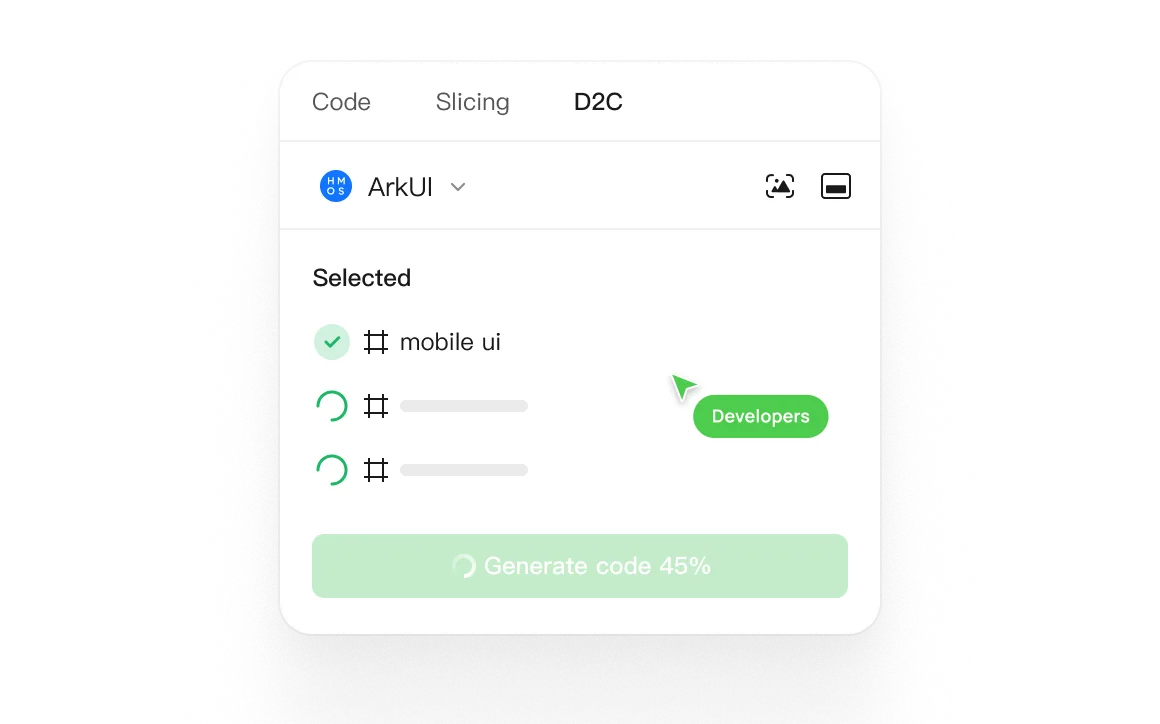
Pixso is a collaborative interface design tool that runs in the browser and works much like Figma: components, auto layout, styles, design tokens, prototypes with smart animate, and a dev view for handoff, plus whiteboard files for workshops. It can import Figma and Axure files, import and export Sketch and Adobe XD, and be deployed privately for companies that need files on their own servers.
The free plan has unlimited viewers but stops at one project with 3 design files of 3 pages each. Team seats remove those limits and add team libraries and unlimited version history, priced by role: $18 a month for a designer, less for developers and collaborators. Enterprise adds SSO and admin tools. It suits teams that want a Figma style workflow or need private deployment.
Alternatives to Pixso
All Prototyping tools


Questions
- Is Pixso free?
- Yes, with limits. The free plan gives unlimited viewers and drafts but only one project with 3 design files and 3 whiteboard files. Paid Team seats start at $4 a month.
- Can Pixso open Figma files?
- Yes. Pixso can import Figma and Axure files, and it can import and export Sketch and Adobe XD files.