
Animate.css
Library of ready-made CSS animations such as bounces, fades, slides and flips, applied by adding two classes to an element.
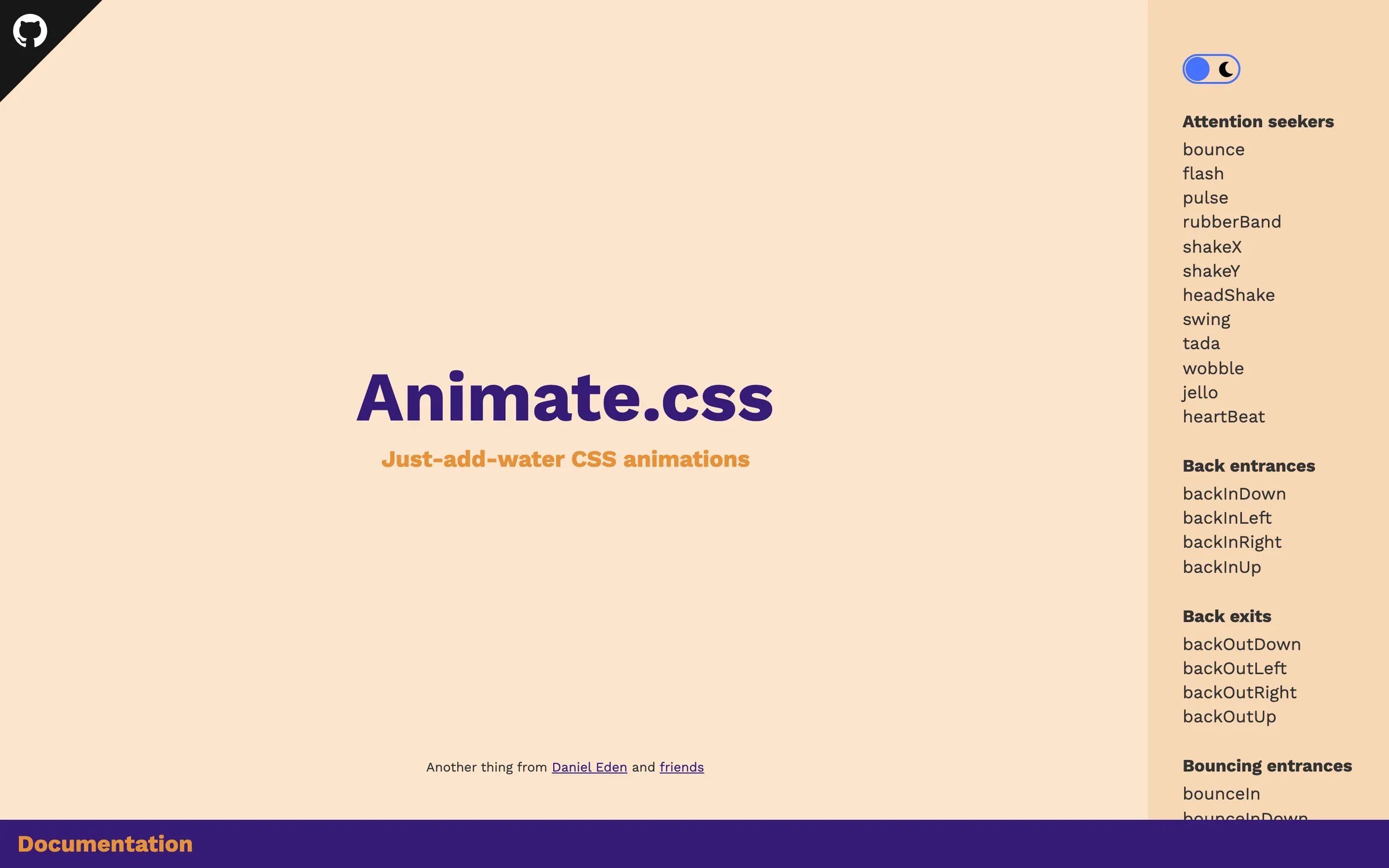
At a glance
Checked
- Pricing
- Free: the whole library, no account needed, under the Hippocratic Licence 2.1
- Licence
- Hippocratic-2.1, an ethical source licence
- GitHub
- github.com/animate-css/animate.css83k stars · 15.9k forks · written in CSSLatest release v4.1.1, 7 Sep 2020From GitHub, updated at every build
- Made by
- Daniel Eden
- Platforms
- Any modern browser, installed from npm or Yarn or linked from a CDN
- Website
- animate.style
What it’s good for
Animate.css hands you a set of named keyframe animations, grouped as attention seekers, back entrances, fades, slides, zooms, flippers and specials, that start as soon as you give an element the animate__animated class plus the class of the effect you want. Utility classes delay it by two to five seconds, slow it down or speed it up, or repeat it up to three times or forever.
Reach for it on a landing page heading, an alert that needs a nudge or a slide entering a carousel, when hand writing keyframes is not worth the time. Three CSS custom properties change duration, delay and repeat for every animation at once. It honours the reduced motion setting in the visitor's operating system, and version 4.1.1, released in September 2020, is still the current one.
Alternatives to Animate.css
All UI Animation tools


Questions
- Is Animate.css free for commercial projects?
- It costs nothing, but it is released under the Hippocratic Licence 2.1 rather than MIT. That licence grants broad use only where the use is consistent with human rights laws and principles, so read its terms before shipping it in client work.
- How do I make an Animate.css animation slower?
- Add animate__slow for two seconds or animate__slower for three; animate__fast and animate__faster give 800 and 500 milliseconds. For any other length, set the --animate-duration custom property on the element.