
AutoAnimate
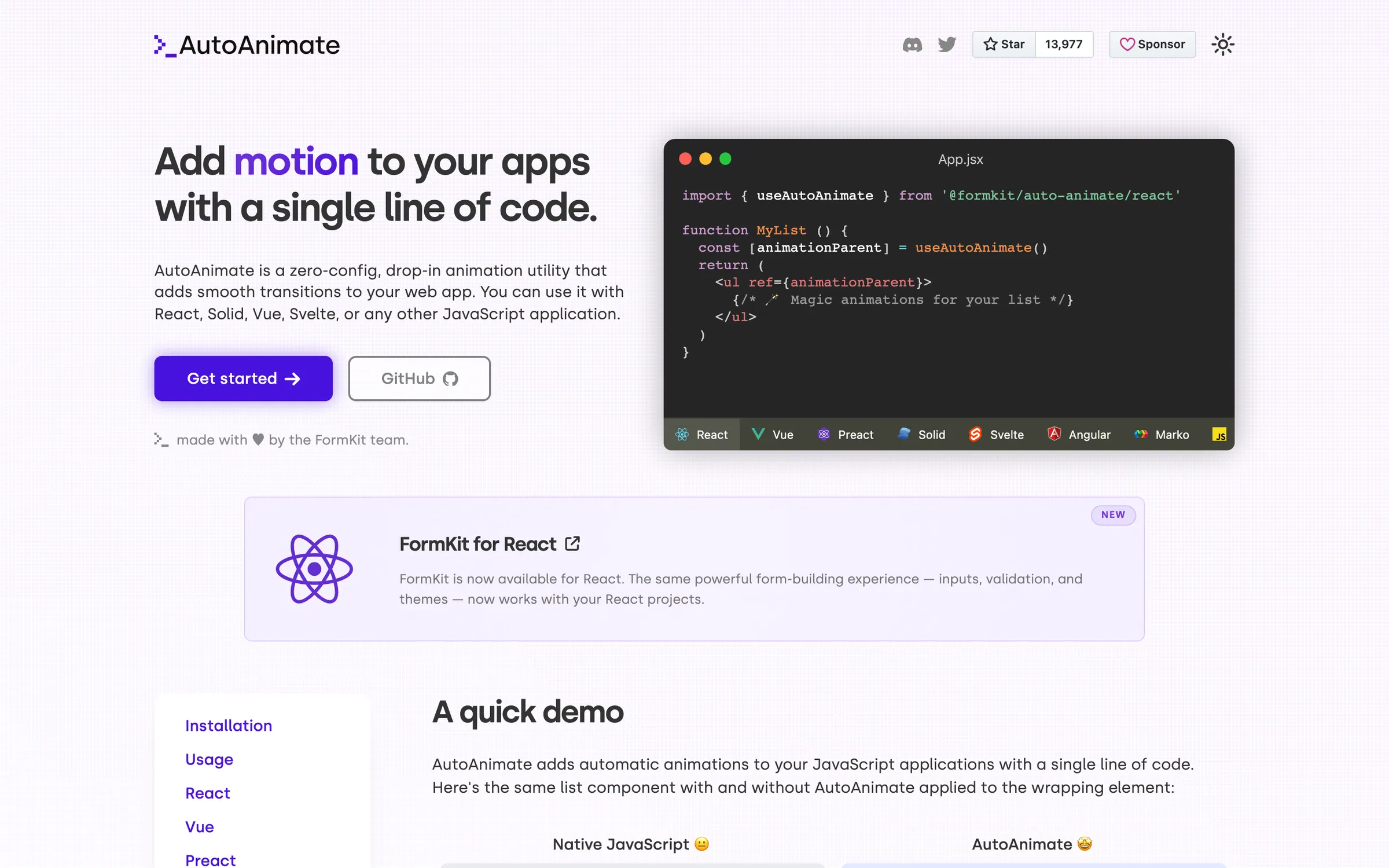
Zero-config utility from FormKit that adds smooth transitions when elements are added, removed or moved, with a single line of code.
At a glance
Checked
- Pricing
- Free: the whole utility, MIT licensed, installed from npm
- Licence
- MIT, open source
- GitHub
- github.com/formkit/auto-animate14k stars · 268 forks · written in TypeScriptLatest release v0.10.2, 6 Nov 2026From GitHub, updated at every build
- Made by
- FormKit
- Platforms
- Any modern browser, with integrations for React, Vue, Svelte, Solid, Angular, Preact and Marko, or plain JavaScript
- Website
- auto-animate.formkit.com
What it’s good for
AutoAnimate watches a parent element and animates its direct children whenever one is added, removed or moved, so a sorted table, a filtered grid or a dismissed toast glides into its new place instead of jumping. You hand the parent to one function, or use the useAutoAnimate hook, the v-auto-animate directive or the equivalent made for your framework.
Front-end developers who want list and layout transitions without writing keyframes get the most from it. A second argument sets the duration, or you can return your own KeyframeEffect for custom motion, and the controller it returns switches animation on and off. It stays still when the visitor's system asks for reduced motion. Children stretched with flex-grow may need an explicit width before they animate cleanly.
Alternatives to AutoAnimate
All UI Animation tools


Questions
- Does AutoAnimate work with React?
- Yes. It ships a useAutoAnimate hook for React, and the same package carries integrations for Vue, Svelte, Solid, Angular, Preact and Marko, so one install covers each of them.
- Does AutoAnimate respect reduced motion?
- Yes. When the operating system reports a preference for reduced motion, AutoAnimate disables itself and elements appear and disappear without any transition.