
LottieLab
Web-based editor for creating Lottie animations with a timeline and keyframes, plus import from Figma, SVG and existing Lottie files.
At a glance
Checked
- Pricing
- Free: $0, unlimited files, Lottie and SVG uploads, import from Figma and export to GIF and MP4
- Pro: $18 per editor a month, billed monthly, adding Lottie export, HD and 4K video, a team library, comments and Lottie hosting on a CDN
- Enterprise: contact sales
- Licence
- Proprietary, not open source
- Platforms
- In the browser, with plugins for Figma
- Website
- lottielab.com
What it’s good for
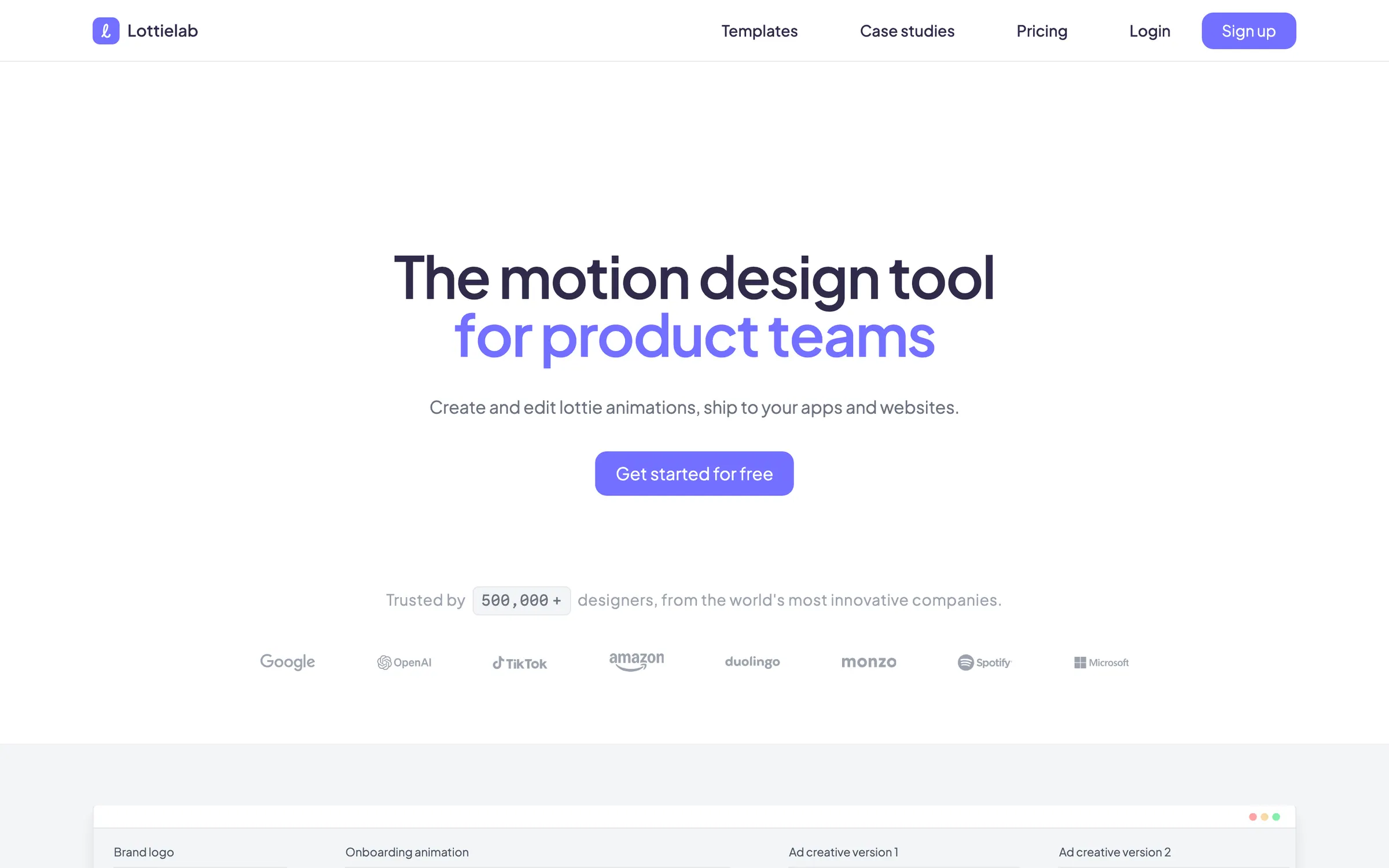
Lottielab is a browser-based motion design tool for making Lottie animations. You import a design from Figma, an SVG or an existing Lottie file, animate it with keyframes on a timeline, and export it for iOS, Android and the web, or as GIF and video. Its Figma plugins export frames straight to Lottie and can generate editable motion from a design.
It suits product designers who need app and website animation without learning After Effects. The free plan covers unlimited files and GIF and MP4 export. Lottie export itself is on Pro, priced per editor, which also adds 4K video, a shared team library, comments, file size optimisation hosting on a CDN and unlimited viewers.
Alternatives to LottieLab
All UI Animation tools
LottieFiles
A large library of Lottie animations, with tools and plugins to edit, optimise and host them.
UI Animation

Rive
Its own file format and runtimes, with state machines for interactive animation.
UI Animation


Questions
- Is Lottielab free?
- There is a free plan with unlimited files, Figma import and export to GIF and MP4. Exporting Lottie files needs the Pro plan, at $18 per editor a month billed monthly.
- Do I need to install Lottielab?
- No. Lottielab runs in the browser with nothing to install, and its plugins bring Figma designs into it.