
Unicorn Studio
No-code tool for building WebGL scenes and interactive shader effects with layers, then embedding them on websites.
At a glance
Checked
- Pricing
- Free: $0, all 90+ effects and up to 8 publishes with Unicorn branding, for personal and non-commercial use
- Legend: $168 a year, or $20 billed monthly, with unlimited publishes without the watermark, a commercial licence, JSON export, hosting and 200 AI credits a month
- Licence
- Proprietary, not open source
- Made by
- George Hastings
- Platforms
- In the browser; scenes embed on any website, with an npm package for React, Next.js, Vue and Svelte
- Website
- unicorn.studio
What it’s good for
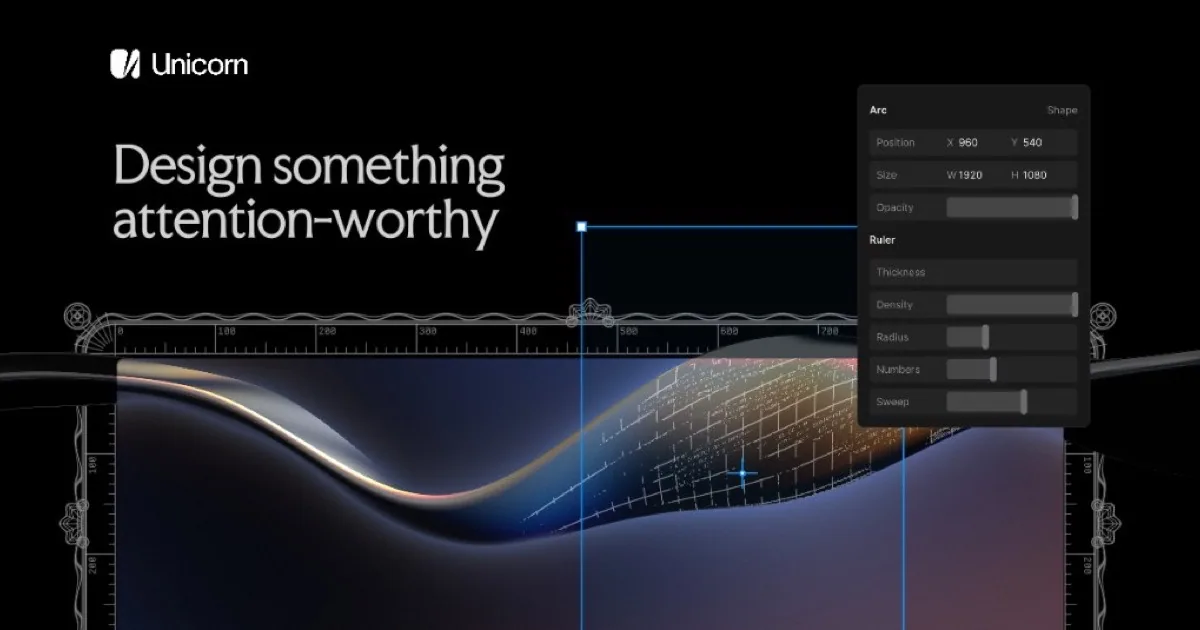
Unicorn Studio is a design tool for WebGL effects. You stack layers of images, text, shapes, video and 3D models, apply some of its 90+ shader effects or write your own in a GLSL editor, animate them on appear, scroll or hover, then publish the scene and embed it on a site with one snippet. Later publishes update the embed without a redeploy.
It suits designers who want shader backgrounds and interactive hero sections on Webflow, Framer or a coded site without writing WebGL. The free plan is for personal, non-commercial work with up to 8 branded publishes. Legend removes the watermark and adds a commercial licence, unlimited publishes, JSON export, larger uploads, version history and monthly credits for its built-in AI agent.
Alternatives to Unicorn Studio
All UI Animation tools


Questions
- Can I use Unicorn Studio for commercial projects?
- Only on the Legend plan, which includes a commercial licence. The free plan is for personal and non-commercial use, and no plan allows reselling or redistributing the Unicorn Studio code itself.
- Can I export a Unicorn Studio scene as code?
- Legend subscribers can export a scene as JSON to host it themselves. It is not standalone source code: the unicornstudio.js runtime is still needed to render it.