
Sketch
Vector-based design tool for Mac with powerful symbols, styles, and plugins. Industry-standard for UI/UX design with collaborative cloud features.
At a glance
Checked
- Pricing
- Standard: $12 per editor a month, billed yearly, with the Mac app, the web app, the iPhone and iPad app and free viewers
- Professional: $24 per editor a month, billed yearly, adding single sign-on, project archiving and permission groups
- Enterprise: $44 per editor a month, billed yearly, adding SCIM provisioning and BYOK encryption
- Private Cloud: contact Sketch for pricing, plus a one-time setup fee
- Mac-only licence: $120 per seat, paid once, with a year of updates and no web app or collaboration
- Free trial: 30 days, no credit card needed
- Licence
- Proprietary, not open source
- Made by
- Sketch B.V.
- Platforms
- A native Mac app, with a web app for viewing, commenting and inspecting, and an iPhone and iPad app for previews
- Website
- sketch.com
What it’s good for
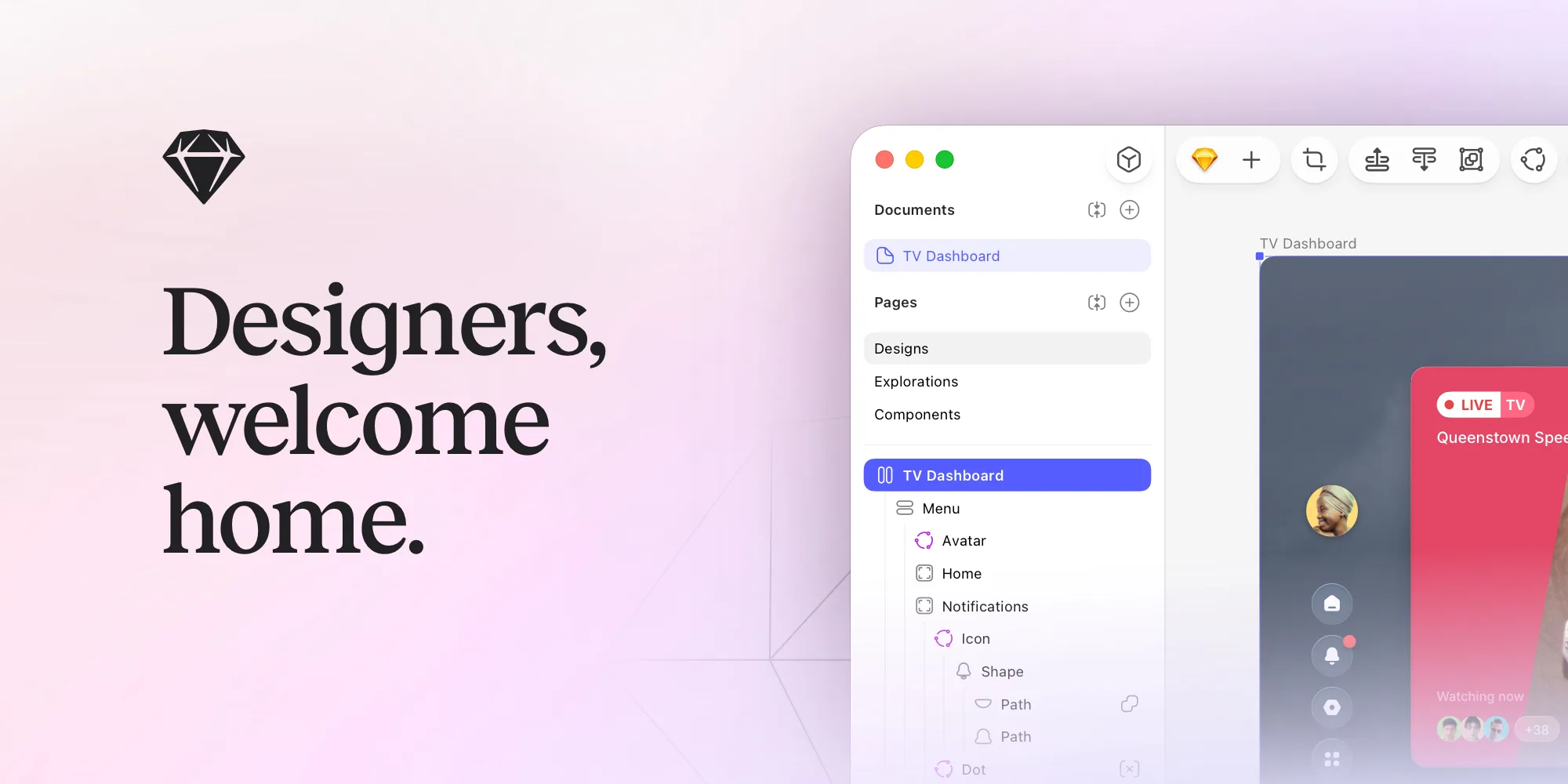
Sketch is a native Mac app for designing and prototyping interfaces, on your own or in real time with your team, and it works offline. Viewers can browse, comment on and inspect documents in any web browser and download assets for developer handoff, and they don't need a paid seat.
It suits designers on a Mac who want a native editor. There is no free plan: subscriptions start at $12 per editor a month, billed yearly, after a 30 day trial, and the higher plans add single sign-on, permissions and security controls. If you don't need collaboration, a one-off Mac-only licence costs $120 and keeps your work on your own machine.
Alternatives to Sketch
All UI Design tools


Questions
- Is Sketch free?
- No. Sketch has no free plan, but you can try it for 30 days without a credit card. Viewers are always free, and students and teachers can ask for a free Education workspace.
- Can I buy Sketch once instead of subscribing?
- Yes. The Mac-only licence costs $120 per seat and includes one year of updates. It covers the Mac app only, without the web app or collaboration, and your work is saved locally.