
Wireframe.cc
Minimal in-browser wireframing tool with a restrained palette and stencils, made for sketching page layouts quickly without visual detail.
At a glance
Checked
- Pricing
- Free: $0, no account, single-page wireframes saved to a public link
- Solo: $12 a month billed yearly, or $19 billed monthly, for 1 user with unlimited projects
- Trio: $33 a month billed yearly, or $39 billed monthly, for 3 users
- Enterprise: $83 a month billed yearly, or $99 billed monthly, for unlimited users
- Licence
- Proprietary, not open source
- Platforms
- In the browser; Premium supports the latest Chrome, Safari and Firefox
- Website
- wireframe.cc
What it’s good for
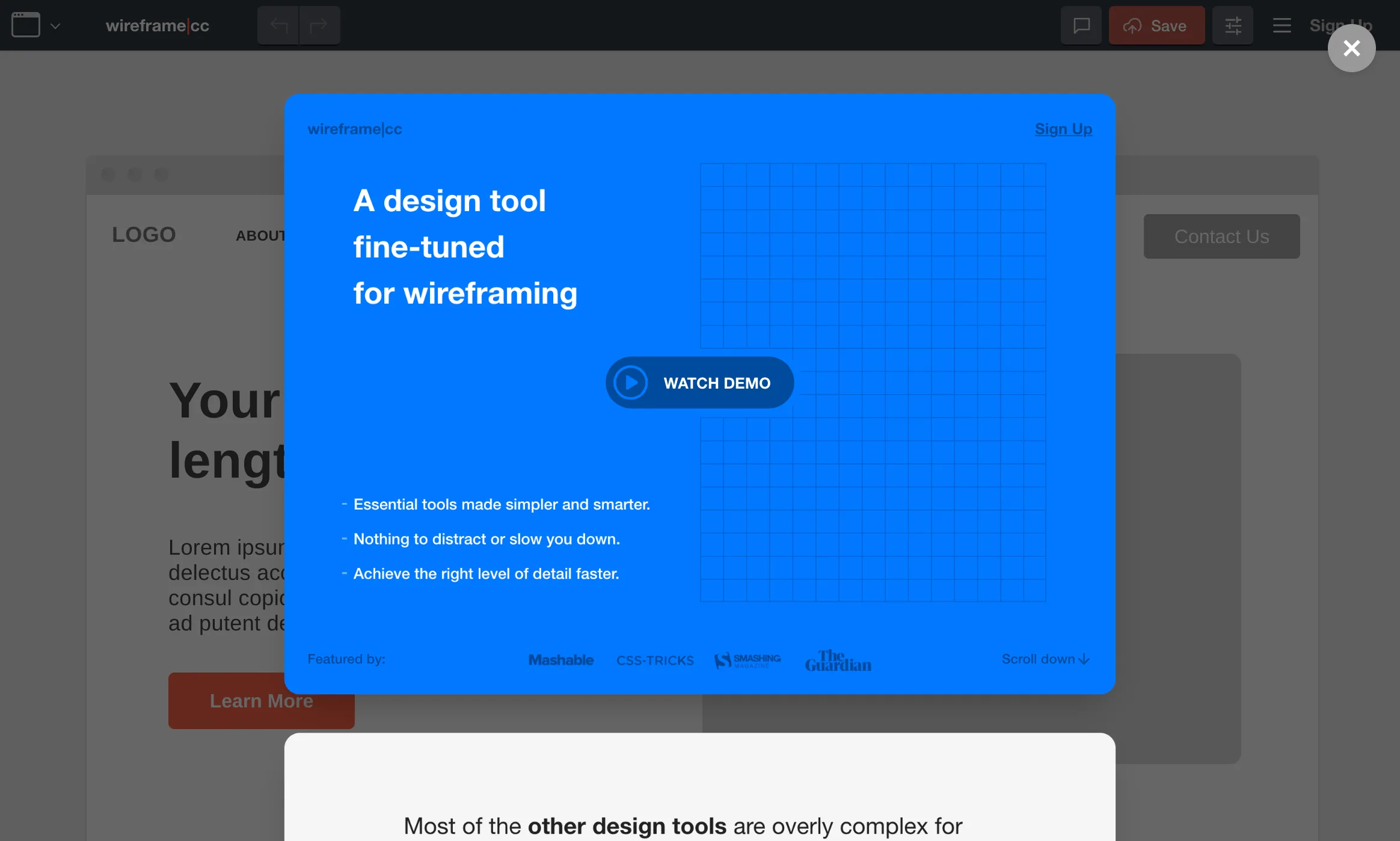
Wireframe.cc is a browser editor for sketching page structure with a deliberately small set of shapes, a short colour palette and annotations, so a layout stays rough while people agree on it. You drag to draw, choose an element type and type into it, with a grid and snapping to keep things aligned.
Anyone can open it and draw without signing up. Each saved wireframe gets a public URL to bookmark or share, but it holds only one page. Premium adds a private dashboard, multi-page and clickable wireframes, master pages, PDF and PNG export and view-only share links. Solo is $12 a month on yearly billing, Trio covers three people and Enterprise has no user limit.
Alternatives to Wireframe.cc
All Wireframing tools
Balsamiq
Hand-drawn style wireframes with AI credits, priced per editor from $16 a month billed yearly.
Wireframing

Frame0
A desktop app for Mac, Windows and Linux, sold once from $99, with a free watermarked tier.
Wireframing


Questions
- Is Wireframe.cc free?
- Yes. The free version needs no account and saves each wireframe to a public link. It is limited to single-page wireframes, and anyone with the link can see them.
- Can I keep my wireframes private?
- Private wireframes need a Premium plan, from $12 a month billed yearly for one user. Premium also adds multi-page projects, clickable links and export to PDF and PNG.