Inkscape
Open-source vector editor for illustration, icons and logos, built around SVG with node editing, path effects and bitmap tracing.
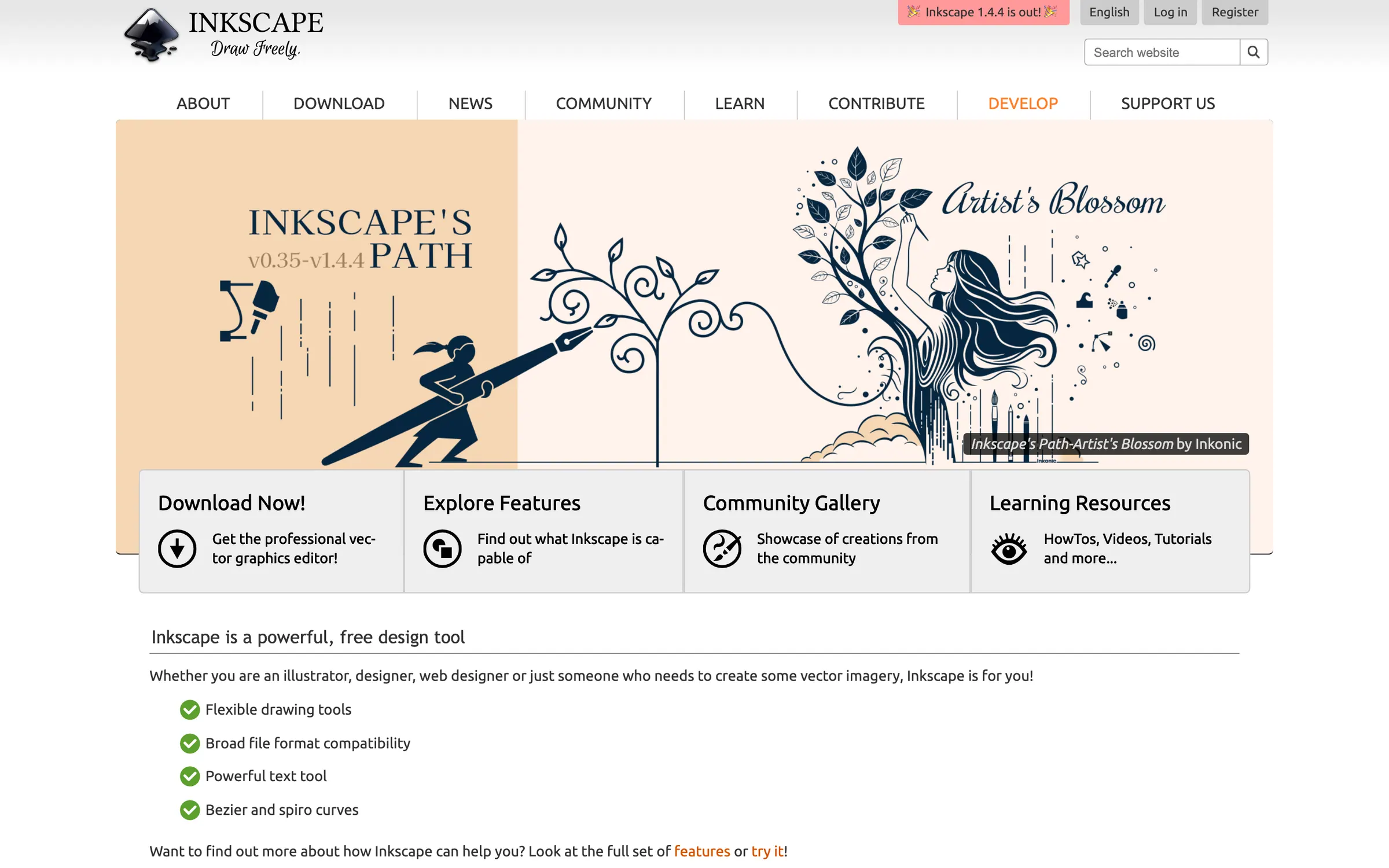
At a glance
Checked
- Pricing
- Free: every feature, no account needed
- Licence
- GPL-2.0-or-later, open source
- Made by
- The Inkscape Project
- Platforms
- Apps for Linux, Windows and Mac
- Website
- inkscape.org
What it’s good for
Inkscape is a vector editor for illustration, logos, typography and diagrams. It uses SVG as its own file format, which web browsers display directly, and it imports and exports AI, EPS, PDF and PNG as well.
It suits anyone who wants a full vector editor without paying or signing up, including people on Linux. It is free and open source under the GPL, and the files you make belong to you, under whatever licence you choose.
Day to day you draw with the pen, pencil and calligraphy tools, edit nodes, combine shapes with Boolean operations or the shape builder, and apply live path effects such as rounded corners, offset and pattern along path while the original path stays editable. Text can run along a path or inside a shape, bitmap tracing turns images into colour or monochrome paths, and a gallery of more than 150 extensions adds file formats and support for plotters and CNC machines.
Alternatives to Inkscape
All Graphic Design tools
Affinity
Free for individuals on Mac, Windows and iPad, adding photo and layout tools; closed source and needs a Canva account.
Graphic Design
Linearity Curve
Closed source and limited on its free plan, for Mac, iPad and iPhone, where Inkscape is free on Linux, Windows and Mac.
Graphic Design
Graphite
Open source and runs in the browser, with node-based, non-destructive editing.
Graphic Design
Questions
- Is Inkscape free?
- Yes. Inkscape is free and open source software under the GPL, with every feature included and no account needed to download it.
- Does Inkscape run on Mac?
- Yes. Inkscape has downloads for macOS, Windows and Linux.