
Affinity
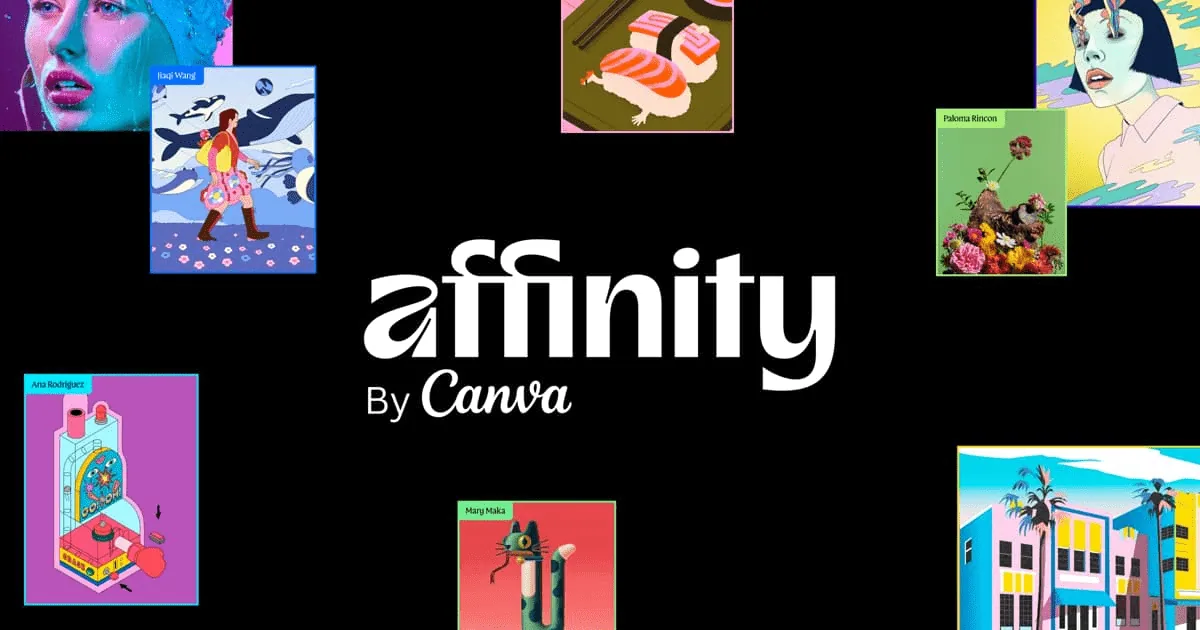
One app combining the vector, photo and page layout tools of Affinity Designer, Photo and Publisher, now owned by Canva and free to download.
At a glance
Checked
- Pricing
- Free: $0 for individuals, every tool in the Pixel, Vector and Layout studios, with a Canva account
- Canva AI tools inside Affinity: need a premium Canva plan, Pro, Business, Enterprise or Education
- Licence
- Proprietary, not open source
- Made by
- Canva
- Platforms
- Apps for Mac, Windows and iPad
- Website
- affinity.studio
What it’s good for
Affinity is one app for vector illustration, photo editing and page layout, split into Vector, Pixel and Layout studios. You can draw a logo, retouch a photo and lay out a printed page without leaving the same .af file.
It is free for individuals on Mac, Windows and iPad, and you sign in with a Canva account. A premium Canva plan adds Canva's AI tools inside Affinity; the design, photo and layout tools are the same without it.
Alternatives to Affinity
All Graphic Design tools
Inkscape
Free and open source, built around SVG, and the only one of the two that runs on Linux.
Graphic Design

Photopea
Runs in the browser with nothing to install and opens PSD files; free with ads.
Graphic Design

Questions
- Is Affinity really free?
- Yes, for individuals. Every tool in the Pixel, Vector and Layout studios is included at $0. Only the Canva AI tools need a premium Canva plan.
- Do I need a Canva account to use Affinity?
- Yes. Affinity is now made by Canva, and you need a Canva account to download and use it.