
Photopea
Browser-based image editor modelled on Photoshop that opens PSD, AI, XD, Sketch and Figma files and works with layers, masks and smart objects.
Graphic DesignFreemium
Visit Site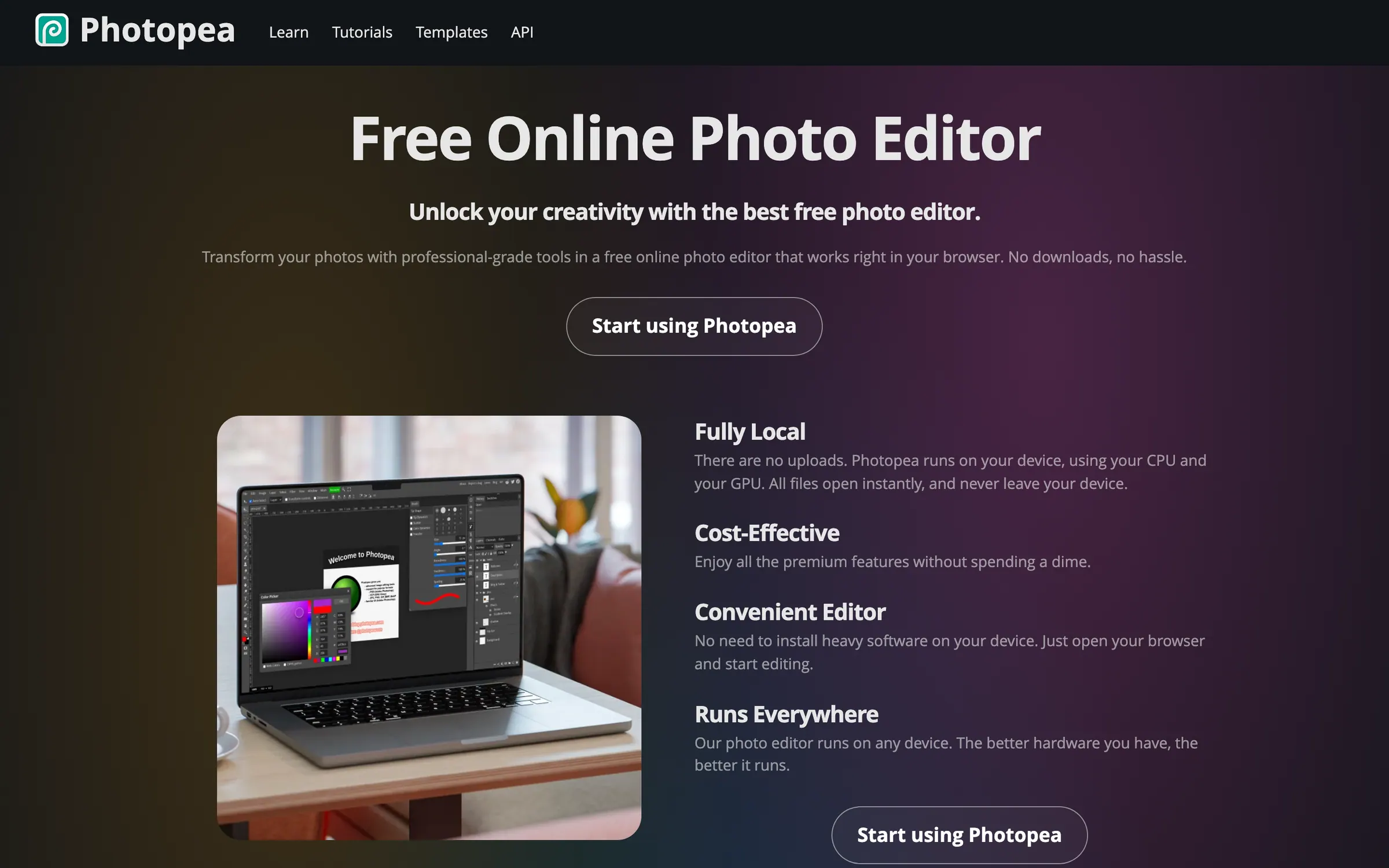
At a glance
Checked
- Pricing
- Free: €0, every feature, with ads and 0.5 GB of PeaDrive storage
- Premium for one user: €8 for 30 days, €15 for 90 days or €50 for 365 days; no ads, 5 GB of PeaDrive, 3,000 AI credits a month and twice the undo history
- Teams: €20 for 30 days for a team of 5, €70 for a team of 20, €150 for a team of 50, with longer periods available
- Every payment is one-time, not a subscription; when the period ends the account goes back to free with ads
- Licence
- Proprietary, not open source
- Platforms
- In the browser on any device, and it keeps working offline once loaded
- Website
- photopea.com
What it’s good for
Photopea is an image editor in the browser that works like Photoshop. It opens and saves PSD files and also reads AI, XD, Sketch, Figma, PDF, SVG and camera RAW files, with layers, masks, smart objects and layer styles. Files are processed on your own device and are never uploaded.
It suits anyone who needs to open or fix a PSD without a Photoshop licence. Every feature is free, with ads. Premium is a one-time payment for 30, 90 or 365 days that removes the ads and adds storage, AI credits and a longer undo history.
Alternatives to Photopea
All Graphic Design tools


Questions
- Is Photopea free?
- Yes. Every feature is free, with ads. Premium removes the ads from €8 for 30 days, paid once rather than as a subscription.
- Does Photopea work offline?
- Yes. Once photopea.com has loaded you can disconnect from the internet and keep working, because Photopea runs entirely on your device and never uploads your files.