
Raycast
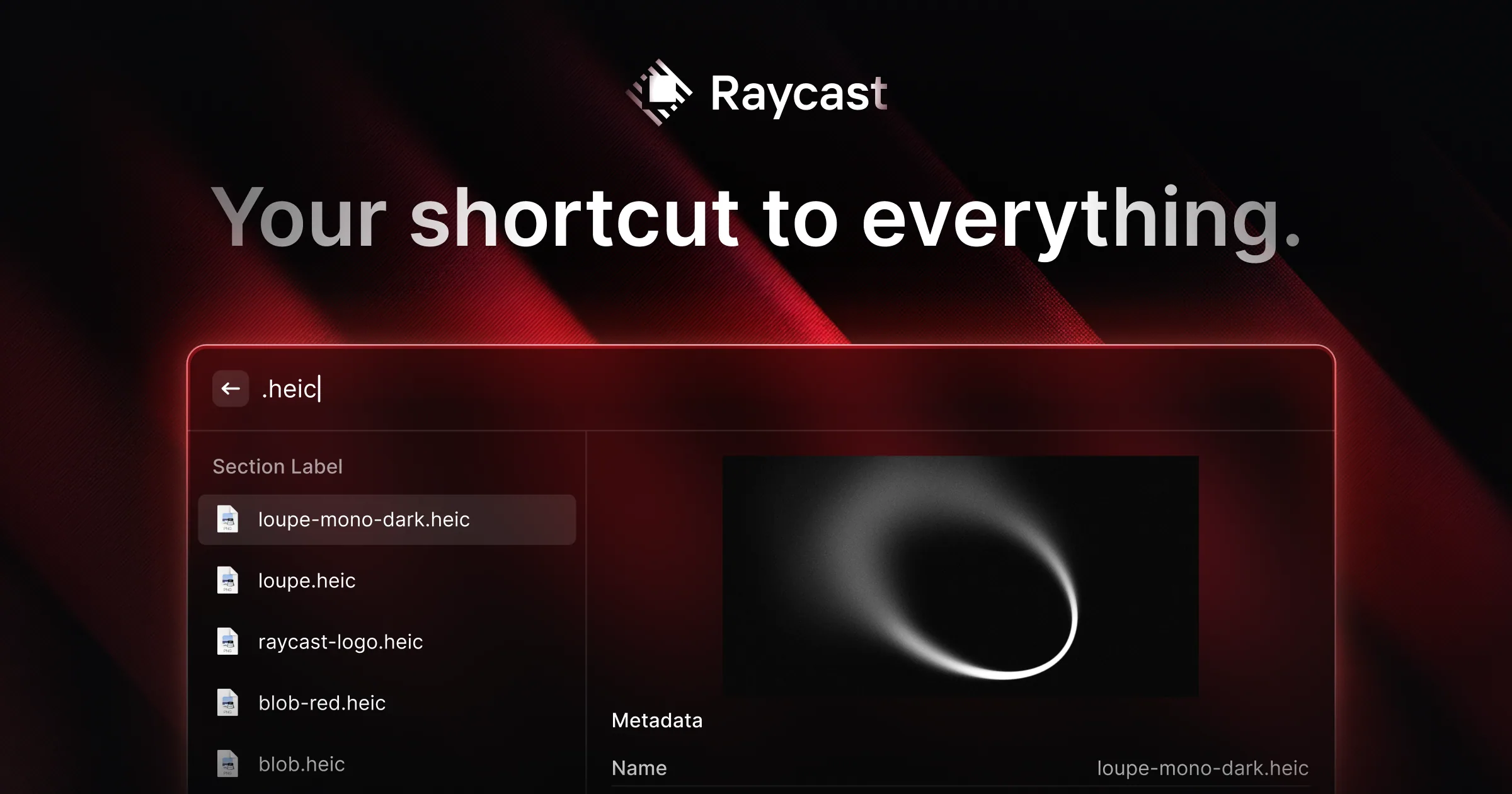
Extendable launcher for Mac that replaces Spotlight, with clipboard history, window management, snippets and a store of community extensions.
At a glance
Checked
- Pricing
- Free: $0, clipboard history for 3 months, snippets, window management and public extensions, no AI
- Pro: $10 a month or $96 a year, Raycast AI with 500 credits a month, unlimited clipboard history and cloud sync
- Plus: $20 a month or $192 a year, 3,000 AI credits a month and top-tier models
- Max: $50 a month or $480 a year, 7,500 AI credits a month and top-tier models
- Teams: free for up to 5 shared commands, paid team plans from $15 per user a month
- Enterprise: custom pricing
- Licence
- Proprietary, not open source
- Made by
- Raycast
- Platforms
- Apps for Mac, Windows and iOS
- Website
- raycast.com
What it’s good for
Raycast is a launcher that replaces Spotlight on the Mac and also runs on Windows and iOS. From one search bar you open apps, search your clipboard history, paste text snippets, move and resize windows and run extensions from a public store. Designers and front end developers use it to cut out trips to the mouse and the menu bar.
The free plan covers the launcher, clipboard history for 3 months, snippets, window management and extensions, with no AI. Pro, at $10 a month or $96 a year, adds Raycast AI with 500 credits a month, unlimited clipboard history and cloud sync, and Plus and Max add more credits and top-tier models. The current Mac version needs macOS Tahoe and Apple Silicon.
Alternatives to Raycast
All Productivity tools

Questions
- Is Raycast free?
- Yes. The free plan includes clipboard history, snippets, window management and public extensions. AI features start with Pro at $10 a month, or $96 a year.
- Is Raycast available for Windows?
- Yes. Raycast for Windows installs from the Microsoft Store or WinGet and supports Windows 10 21H2 or later and Windows 11. There is also an iOS app, which needs iOS 18.