
Flinto
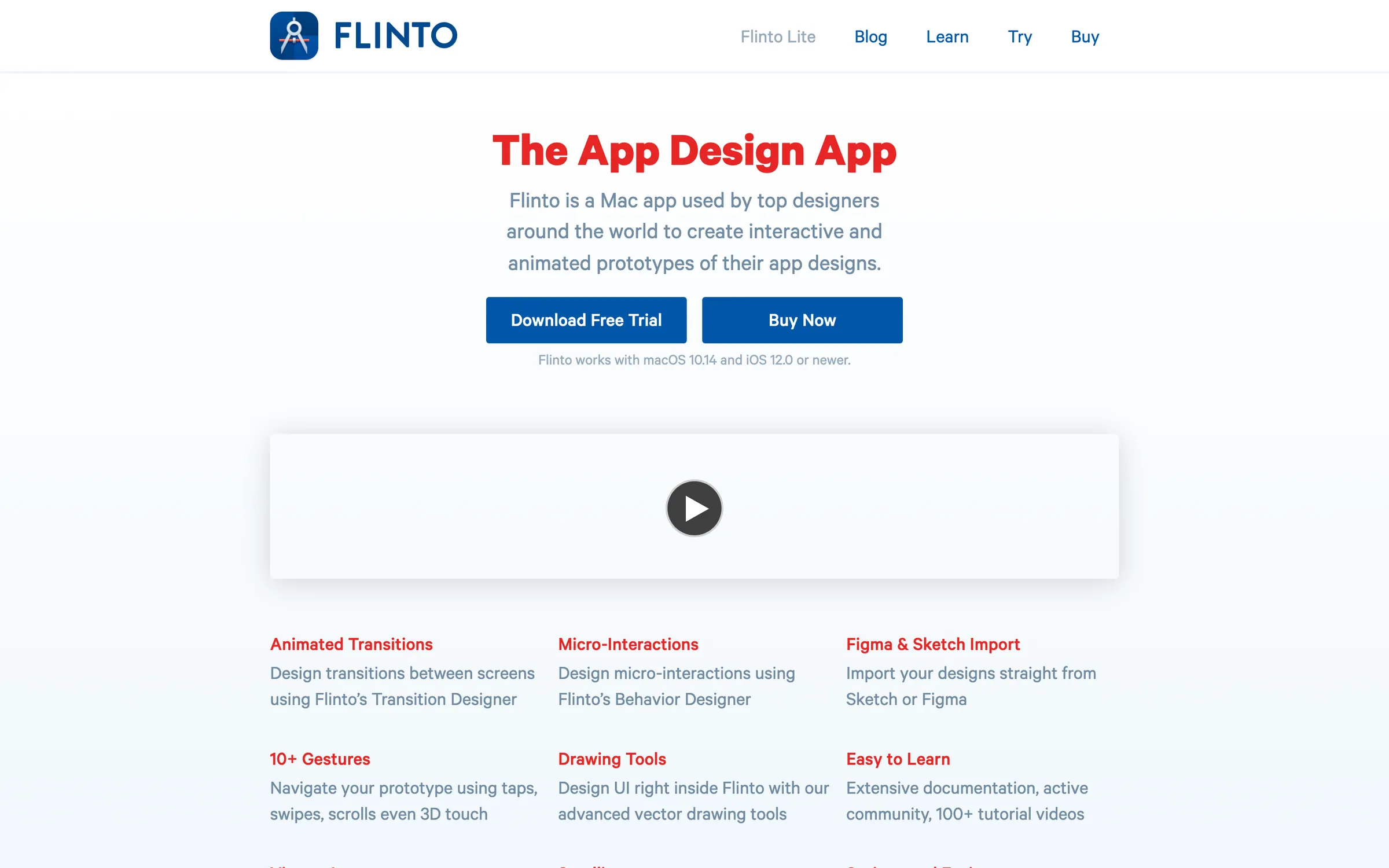
A Mac app for animated, interactive app prototypes, with a transition designer, a behaviour designer and import from Figma and Sketch.
At a glance
Checked
- Pricing
- Licence: $99 per copy, with one year of free updates; the app keeps running after the year ends
- Volume: $89 a copy for 5 to 9 copies, $79 a copy for 10 or more
- Education: special pricing on request
- Free trial: 14 days
- Licence
- Proprietary, not open source
- Platforms
- A Mac app for macOS 10.14 or newer, with the Flinto Viewer app for iOS 12 or newer
- Website
- flinto.com
What it’s good for
Flinto is a Mac app for prototyping app interactions in fine detail. You bring screens in from Figma or Sketch with vector shapes and text still editable, then build screen to screen animations in its Transition Designer and in-screen details such as switches, looping animations and scroll effects in its Behavior Designer, with no timeline and no code.
Prototypes play on a Wi-Fi connected iPhone or iPad through Flinto Viewer, and recordings export as video or GIF to post online. There is a single paid licence rather than tiers: $99 buys a year of updates, and when that year is over your copy keeps working, so renewing only matters for the next major version. Motion focused interface designers working on a Mac get the most from it.
Alternatives to Flinto
All Prototyping tools


Questions
- Is Flinto a one-time purchase?
- Not quite. A licence costs $99 and includes one year of free updates. When it expires Flinto keeps running, but moving to a new major version needs a renewal.
- Does Flinto run on Windows?
- No. Flinto needs a Mac with macOS 10.14 or newer. Its companion app for previewing prototypes, Flinto Viewer, runs on iOS 12 or newer.