
Origami Studio
Meta's free Mac app for interactive prototypes, built with a canvas and a patch editor and previewed live on iOS and Android phones.
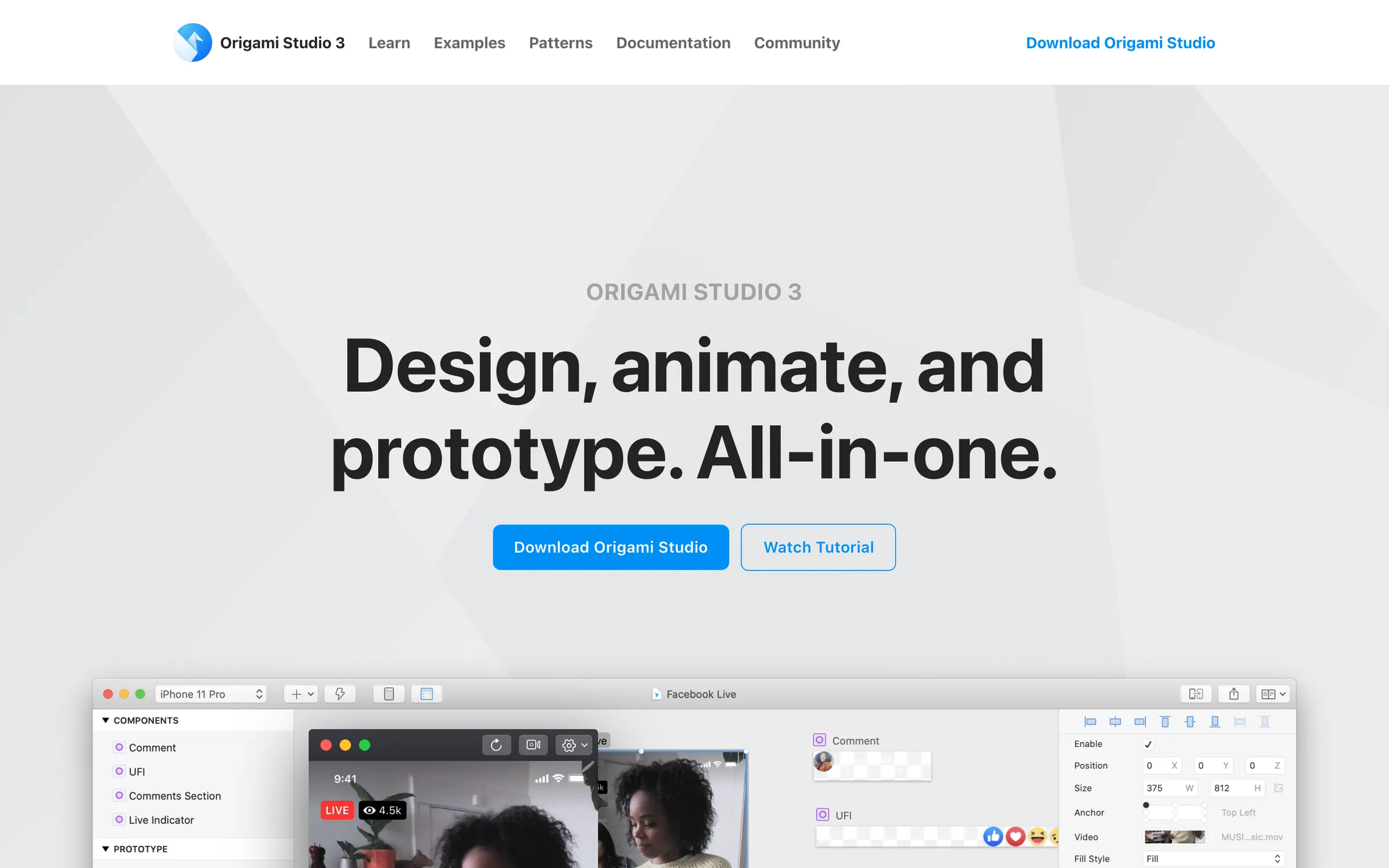
At a glance
Checked
- Pricing
- Free: every feature, no payment
- Licence
- Proprietary, not open source
- Made by
- Meta
- Platforms
- A Mac app, with Origami Live apps for iOS and Android to preview prototypes
- Website
- origami.design
What it’s good for
Origami Studio is Meta's free prototyping tool for the Mac. You lay out screens on a canvas and wire interactions in a patch editor, with access to real device features such as the camera roll, haptics, GPS and motion sensors, so a prototype behaves like an app. Shapes and text can be pasted in from Figma with the Origami Pasteboard plugin, and prototypes can be recorded as video.
It suits product designers who need detailed interactions and are willing to learn a node based editor. Prototypes preview live over USB on an iPhone, iPad or Android device through Origami Live, and files can be sent to a phone to test on the go. Releases come often: version 233 arrived on 19 November 2026 and added MCP, so AI assistants can work with Origami.
Alternatives to Origami Studio
All Prototyping tools
ProtoPie
Prototypes with logic and device sensors without code, on Mac and Windows, with a free plan and paid tiers.
Prototyping

Principle
A $129 Mac app built around artboards and a timeline, with imports from Figma or Sketch.
Prototyping


Questions
- Is Origami Studio free?
- Yes. Meta's own documentation describes Origami Studio as a free design tool, available for Mac.
- Can I use Origami Studio on Windows?
- No. Origami Studio is available for Mac only. The Origami Live apps for iOS and Android are for previewing prototypes on a phone or tablet.