
Figma Make
Figma’s prompt-to-app tool: describe an idea or start from a design and get a working, editable prototype.
At a glance
Checked
- Pricing
- Starter: free, 150 AI credits a day, up to 500 a month
- Professional: $16 a month for a Full seat, billed yearly, with 3,000 AI credits a month
- Organization: $55 a month for a Full seat, billed yearly, with 3,500 AI credits a month
- Enterprise: $90 a month for a Full seat, billed yearly, with 4,250 AI credits a month
- Licence
- Proprietary, not open source
- Made by
- Figma
- Platforms
- Inside Figma, and Makes also open on a phone through Make mobile
- Website
- figma.com
What it’s good for
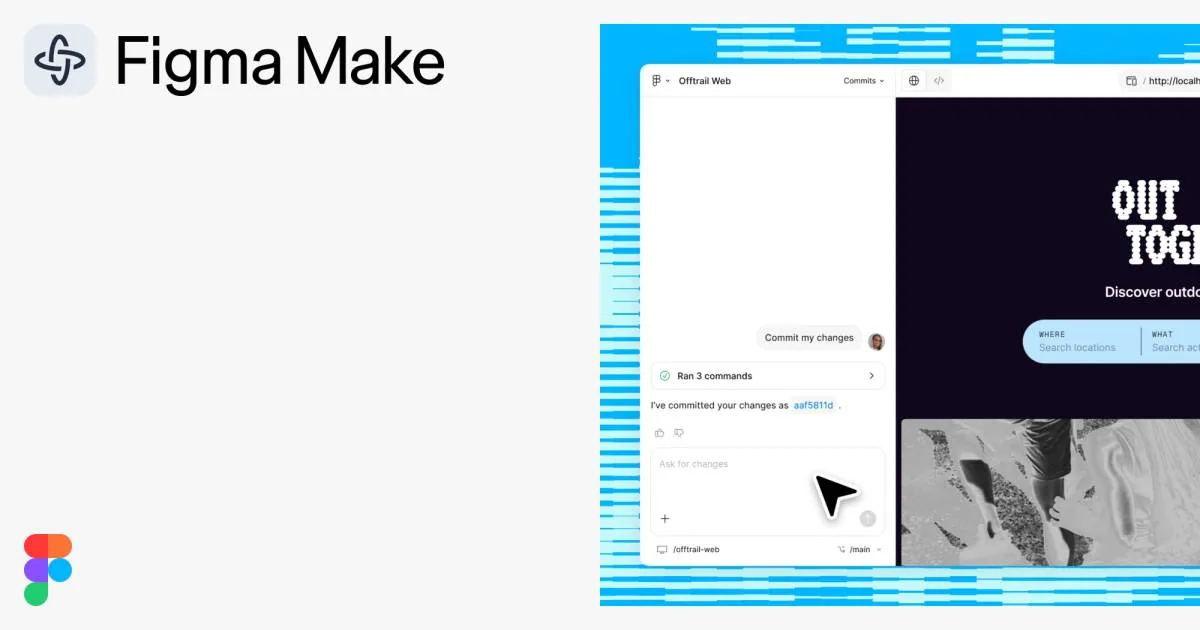
Figma Make turns a prompt into a working prototype or web app. You can attach Figma designs, components, images, documents or data files as context, then refine the result by prompting again or by pointing at an element to edit it, and everything it builds is code backed. It can connect to Supabase for sign in and stored data, and you can publish the result as a website with its own URL.
It suits designers who want to test an idea as something people can click through without handing it to a developer, especially teams already working in Figma. Make is available on every plan, including the free Starter plan. AI credits are shared across all of Figma's AI features, and paid Full seats get 3,000 to 4,250 a month instead of Starter's 500.
Alternatives to Figma Make
All UI Design tools
v0
Vercel's tool that builds full-stack apps from a prompt, synced to GitHub and deployed on Vercel.
AI

Magic Patterns
An AI prototyping tool for product teams that connects to your codebase and design system.
UI Design


Questions
- Is Figma Make free?
- Yes, Figma Make is available on the free Starter plan, which includes 150 AI credits a day, up to 500 a month. A Professional Full seat costs $16 a month, billed yearly, and includes 3,000 credits a month.
- Can I publish a Figma Make project as a website?
- Yes. Figma lets you publish a functional prototype or web app made in Make as a website with a dedicated URL.