
Subframe
Design tool connected to your codebase that doubles as a coding agent with a canvas, exporting React and Tailwind.
UI DesignAIFreemium
Visit Site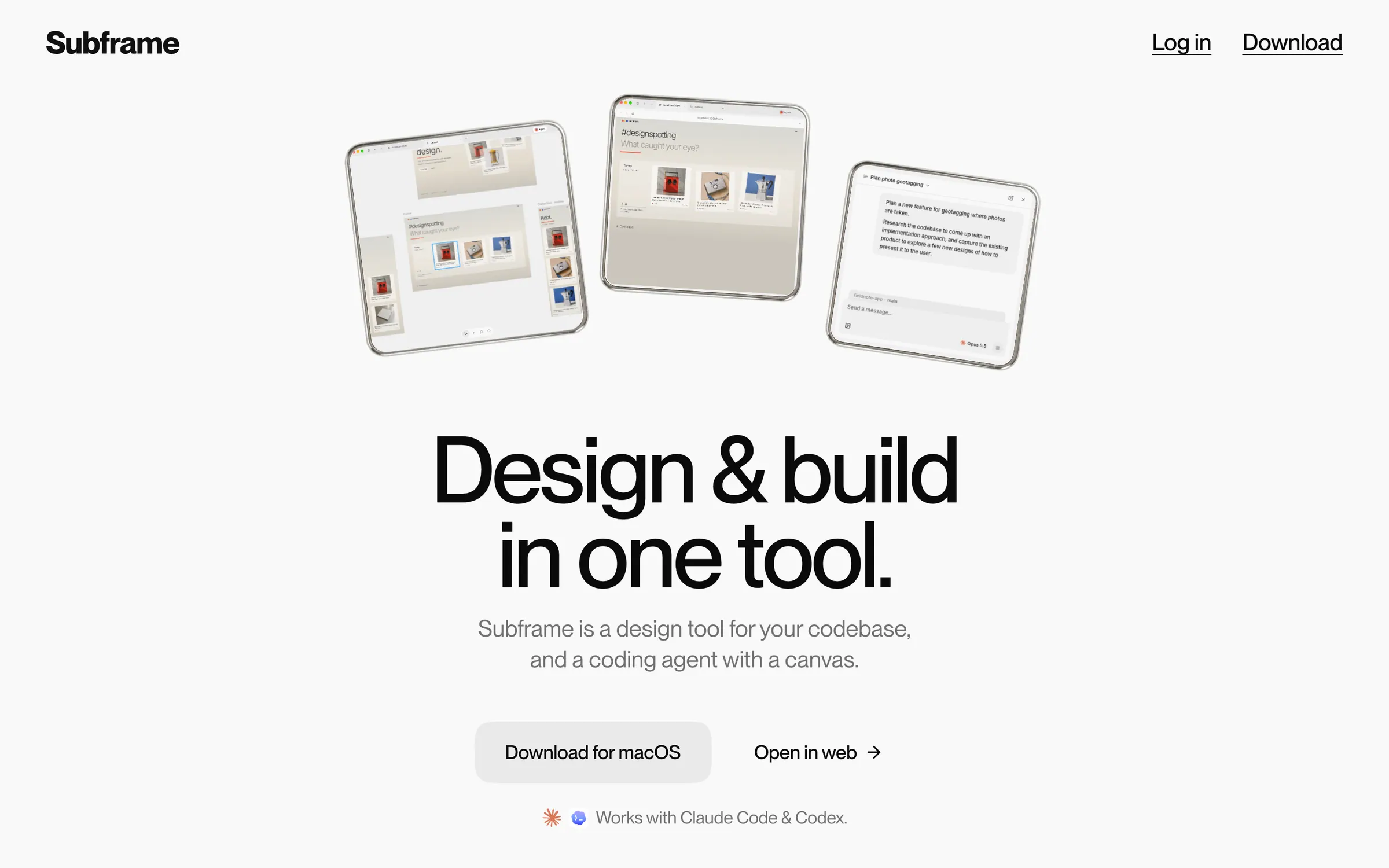
At a glance
Checked
- Pricing
- Free: $0 a month, one project, unlimited viewers and editors, limited AI credits
- Pro: $20 per editor a month, unlimited projects, six times the AI credits and multiple themes per project
- Both plans: use your own Claude Code or Codex subscription as the agent
- Licence
- Proprietary, not open source
- Made by
- Subframe
- Platforms
- Desktop apps for Mac and Windows, with the design canvas also on the web
- Website
- subframe.com
What it’s good for
Subframe is a desktop app that puts a design canvas, a coding agent and a browser in one window. The canvas is built on HTML and React, every layer maps to code with responsive flex behaviour, and it uses the components and design tokens from your codebase. The agent then implements the design in your repository, and the code stays on your machine.
It suits designers who work in a React codebase and want to ship what they draw. You can use your own Claude Code or Codex subscription as the agent. The free plan covers one project; Pro adds unlimited projects and more AI credits for $20 per editor a month.
Alternatives to Subframe
All UI Design tools


Questions
- Is Subframe free?
- Yes, for one project. The free plan has unlimited viewers and editors and limited AI credits. Pro costs $20 per editor a month and adds unlimited projects and six times the AI credits.
- Does Subframe upload my code?
- No. Subframe says your codebase stays on your machine, and the app reads and writes local files. The design canvas itself lives in the cloud and opens from the web and the desktop app.