
Polymet
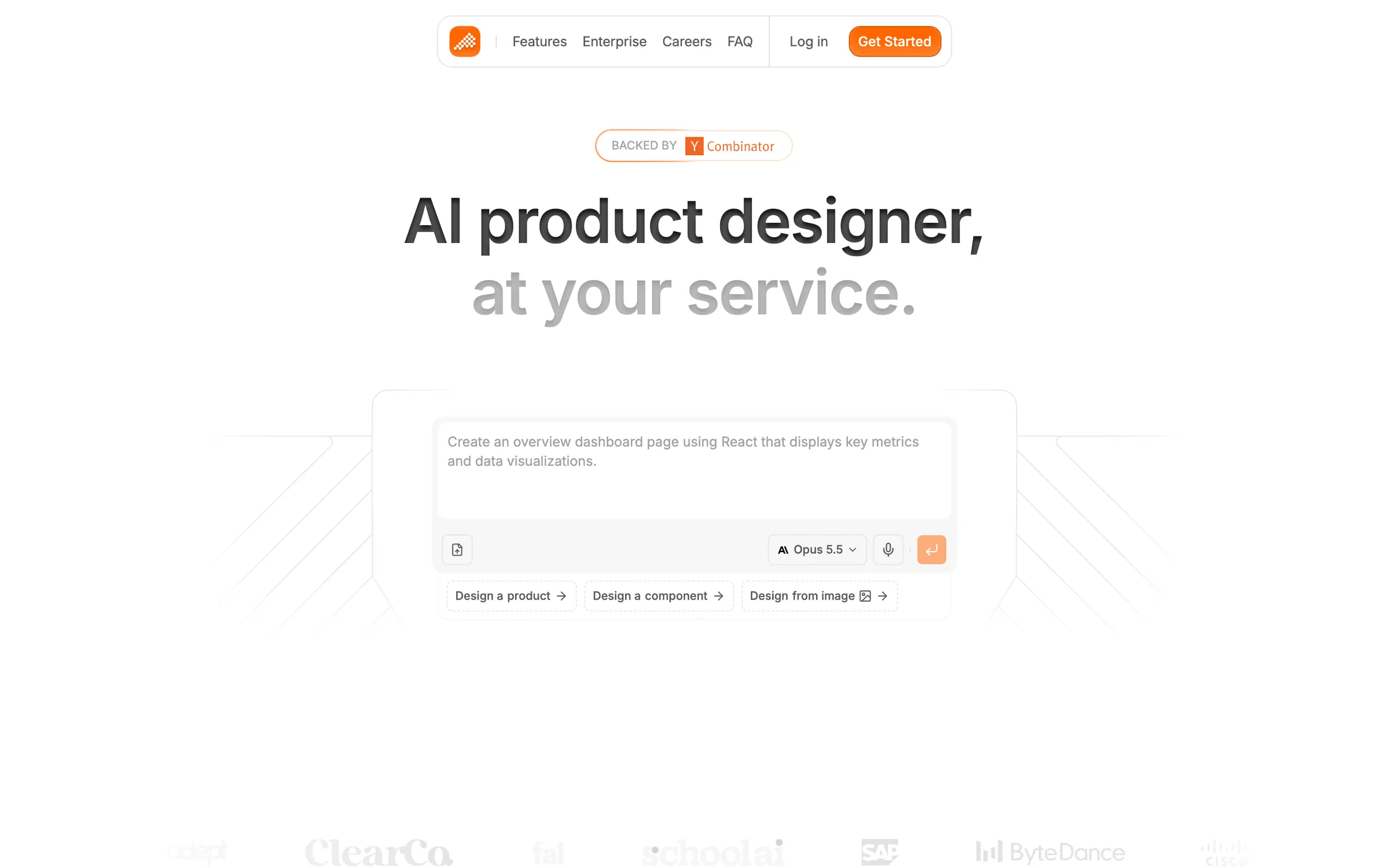
AI product designer that turns a description or an image into production-ready interface designs and front-end code.
At a glance
Checked
- Pricing
- Free: $0, 500 credits every 30 days and at most 250 a day, with a Built with Polymet badge on published apps
- Pro: from $25 a month or $250 a year for 1,000 credits a month, adds code export, custom domains and credit rollover
- Team: from $50 a month for 1,000 credits a month, twice the Pro price for the same credits
- Enterprise: custom pricing for teams over 10 people, with SSO, audit logs and SOC 2
- Keep Alive: $8 a month, offered when you cancel, keeps a finished project online with 300 extra credits a month
- Licence
- Proprietary, not open source
- Platforms
- In the browser, with a phone layout for chat, preview, code and backend, and an MCP server for coding agents
- Website
- polymet.ai
What it’s good for
Polymet is an AI agent that designs pages, components and prototypes from a prompt or a screenshot and writes them as React and Tailwind code. Its canvas lays every screen out on one board to check at phone, tablet and desktop widths; a visual editor adjusts spacing and colour, and a code editor lets you change files by hand. It can start from Figma frames, a GitHub repository or a ZIP, build with your own design system and add a database, sign in and storage.
Product teams who want prototypes made from their real components will get the most from it. Each generation spends credits, and you pick the Claude or Gemini model that does the work. Paid plans unlock code download and repository sync, custom domains and published links without the badge.
Alternatives to Polymet
All UI Design tools
v0
Builds full-stack apps and components from a prompt, synced to GitHub and deployed on Vercel.
AI

Subframe
A design tool wired to your codebase that exports React and Tailwind, with a coding agent on its canvas.
UI Design

Magic Patterns
AI prototyping linked to your codebase and design system, aimed at planning and testing product ideas.
UI Design

Stitch
Google's generator for mobile and web screens from a prompt or an image, with export to Figma and code.
UI Design
Questions
- Is Polymet free?
- There is a free plan with 500 credits every 30 days, of which you can spend up to 250 a day. Pro starts at $25 a month for 1,000 credits, and taking your code out as a ZIP or a synced repository needs a paid plan.
- Can Polymet export to Figma?
- Yes, on every plan including Free. A Polymet screen goes into Figma as editable layers, and in the other direction Figma frames or component sets can become a working React project.