
Gulp
JavaScript toolkit for automating build tasks in code, chaining single purpose plugins over Node streams to transform files in memory.
At a glance
Checked
- Pricing
- Free: MIT licensed, with optional GitHub Sponsors tiers from $2 a month to support the project
- Licence
- MIT, open source
- GitHub
- github.com/gulpjs/gulp32.9k stars · 4.1k forks · written in JavaScriptLatest release v5.0.1, 1 Jun 2025From GitHub, updated at every build
- Platforms
- Node.js, through the gulp-cli command and the gulp package in devDependencies
- Website
- gulpjs.com
What it’s good for
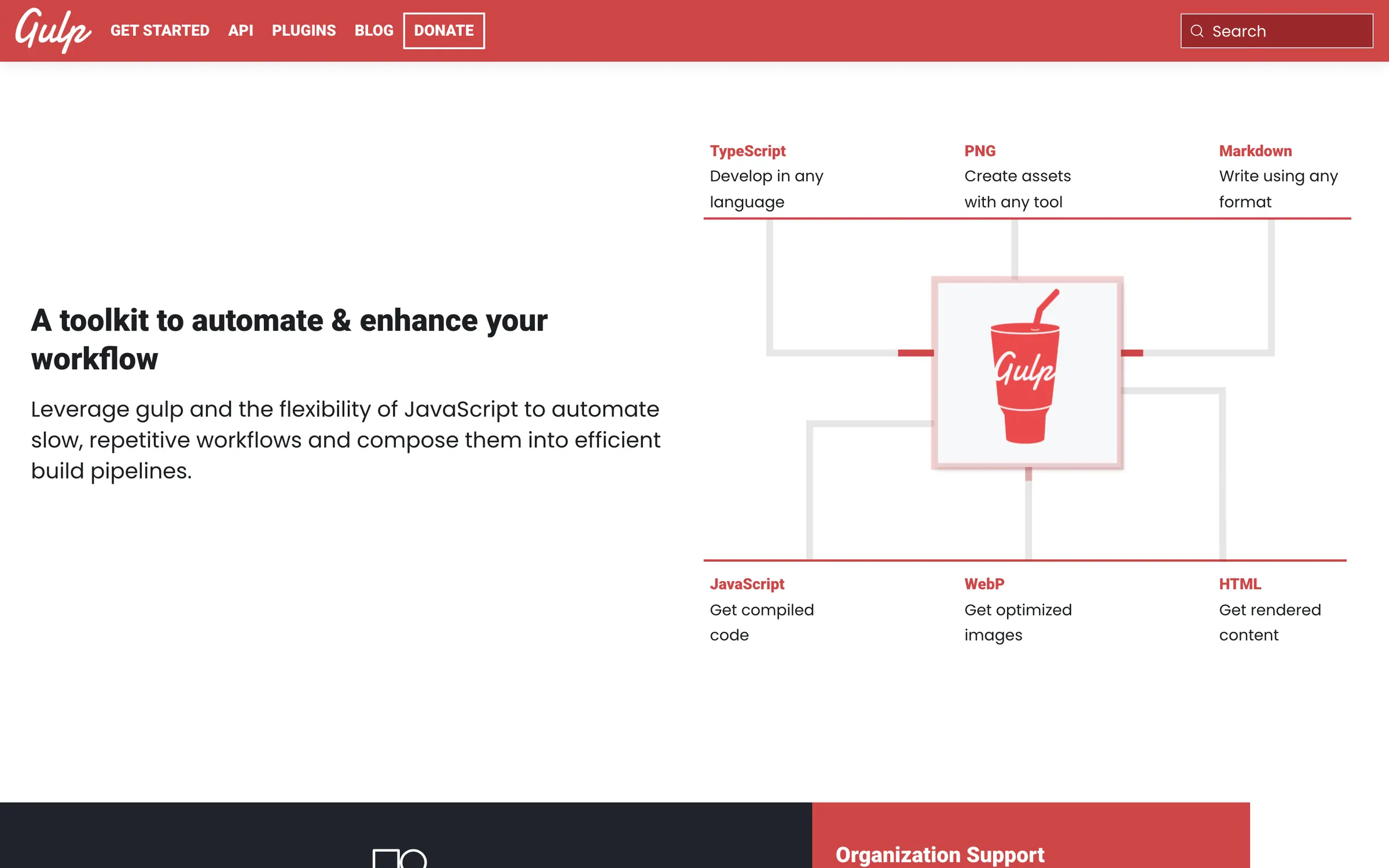
Gulp runs the repetitive parts of a front end build, such as compiling TypeScript or Sass, optimising images into WebP and rendering Markdown to HTML. You write tasks as plain JavaScript functions in a gulpfile and compose them into larger operations, so the build is code you can read and debug rather than a long configuration file.
Files move through Node streams, so several plugins can change a file in memory before anything is written to disk. Each community plugin does one small job, and the plugin directory on the site lists them. Version 5.0.1, from June 2025, added top level await on Node 22.12 and later. The project is MIT licensed and backed by GitHub Sponsors.
Alternatives to Gulp
All Frontend Design tools

Questions
- Is gulp still maintained?
- Yes, though releases are infrequent. Version 5.0.1 came out in June 2025 with fixes for a Node.js deprecation warning and support for top level await, and the repository was last updated in February 2026.
- How do I install gulp?
- Install the command line tool once with npm install --global gulp-cli, then add gulp to the project with npm install --save-dev gulp and create a gulpfile.js. If an old global gulp is installed, remove it first with npm rm --global gulp.